Has a dead battery or sudden power disconnection corrupted your Jaguar XF BCM? In this step-by-step tutorial, we demonstrate how to repair and recover a corrupted Jaguar XF BCM (Body Control Module) using Xhorse VVDI Prog or Multi Prog (Xhorse Key Tool Plus can also be used to read the flash).
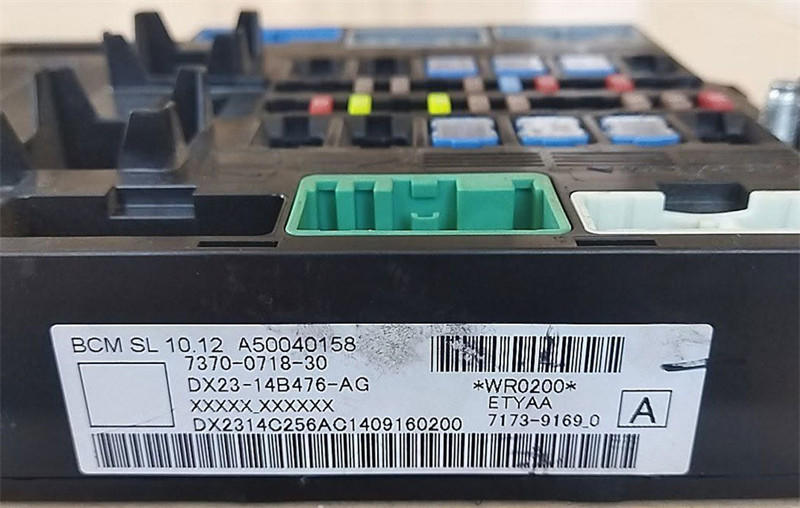
A common issue on this BCM, and other modules sharing the Freescale MCU architecture (like BMW FRM modules), occurs when the vehicle’s battery is disconnected before the module goes to sleep. This causes the emulated EEPROM to become scrambled, leading to critical module failure.
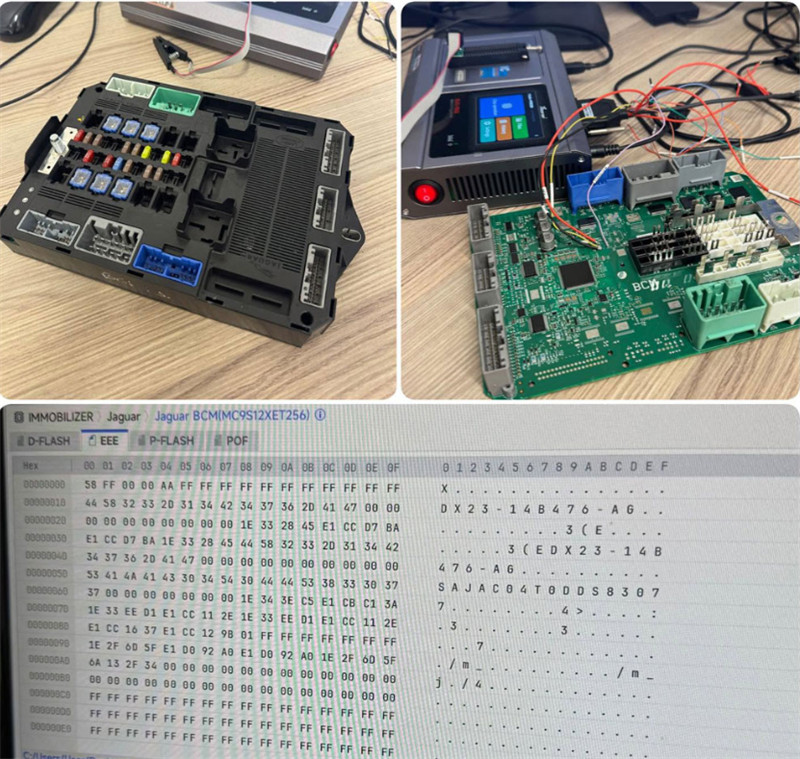
By reading the D-Flash, creating a repaired EEPROM file, and rewriting the partition, you can restore the BCM back to a working condition without buying an expensive replacement!
Quick Workflow Summary:
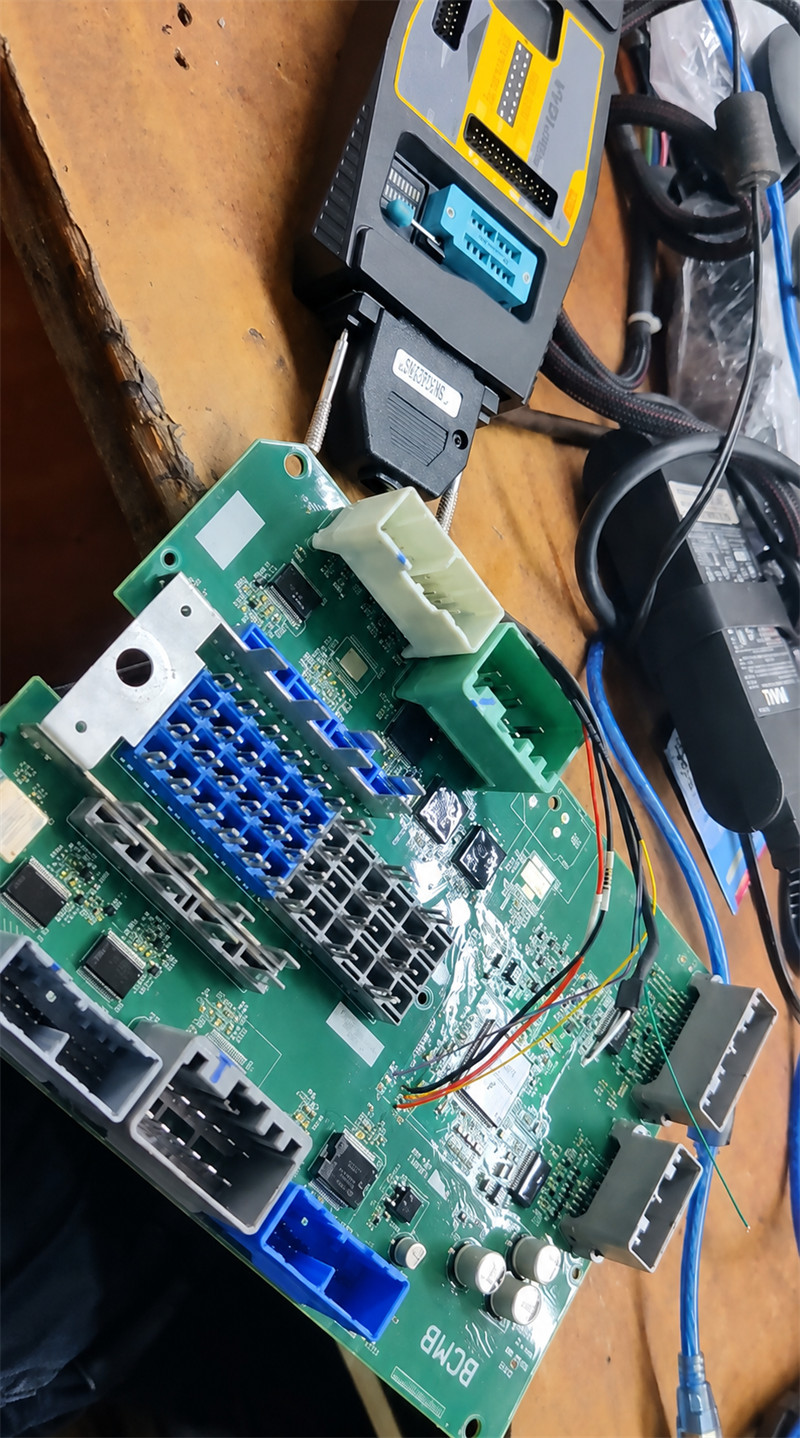
- Read D-Flash under the Jaguar BCM 9S12XET256 menu.
- Manually set partition for reading: EEE 0KB, D-Flash 128KB.
- Process the file through the BMW FRM3 conversion tool.
- Remove the first bytes to obtain the precise 2KB file size.
- Change device partition setup to: EEE 2KB, D-Flash 16KB.
- Erase and write the newly repaired EEPROM file back to the module.
User feedback:
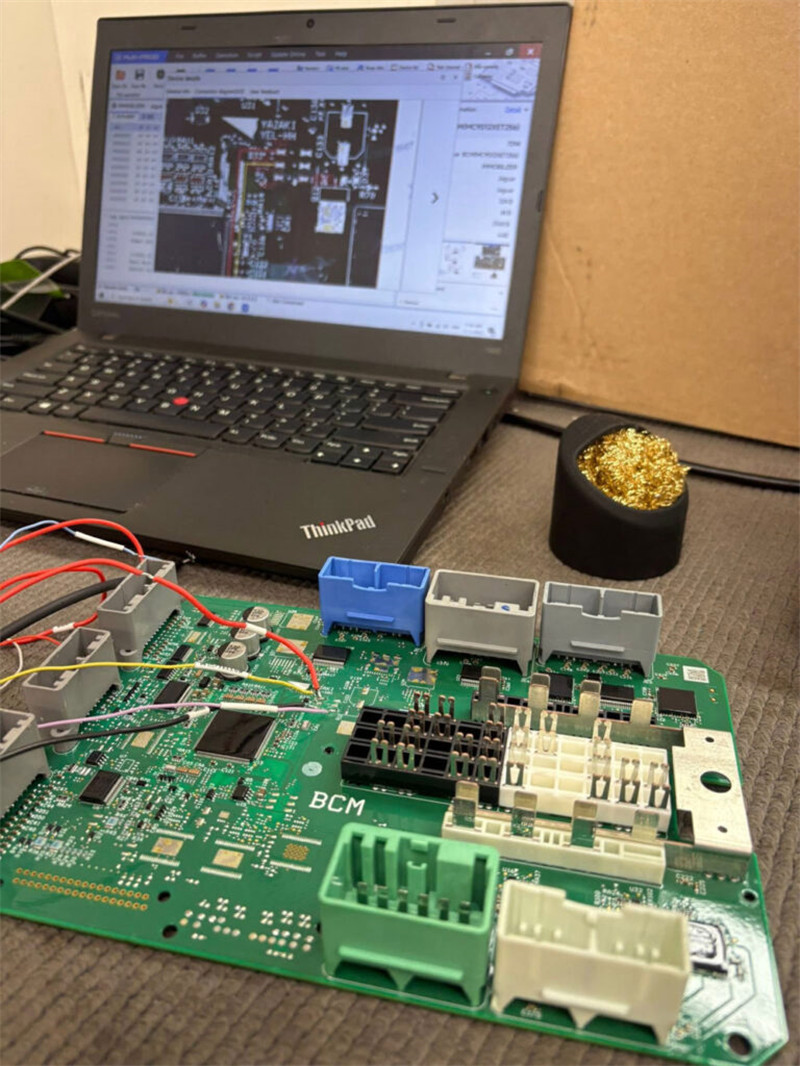
Repair a Jaguar XF with a BCM failure caused by battery disconnection, worked perfectly.
Leave a Reply