
Great news for Xhorse users!
Previously, the BMW BDC2 All Keys Lost (AKL) programming feature was only available as a Chinese-language test version on the VVDI Key Tool Plus.
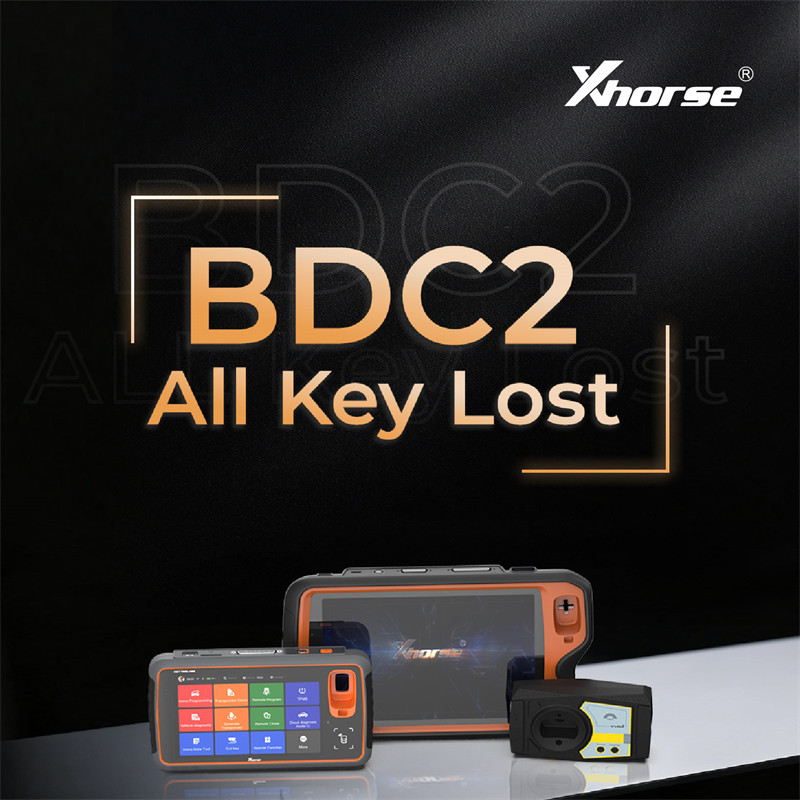
The wait is officially over. Xhorse has launched the official, stable English-language release for BDC2 All Keys Lost, and they have expanded the support across multiple popular devices.
Supported Devices & Requirements
- The new BDC2 AKL function is now fully supported on three major Xhorse platforms:
- Xhorse VVDI Key Tool Plus
- Xhorse VVDI Key ToolMIDI
- Xhorse VVDI2
Software Activation Info:
This feature requires the BMW G-Series BDC2 software license activation.
Already activated? If you previously paid for or unlocked this authorization, you don’t need to pay again—simply update your device firmware to the latest version to start using it for free!
Compatible Keys: The software supports programming both Xhorse dedicated BMW G-Series smart remotes and original OEM keys.
How It Works: The Workflow
This is a comprehensive programming procedure that combines bench work, OBD connection, and ECU reading. To complete a BDC2 All Keys Lost job, you will need to:
- Read the ECU D-Flash data to get the engine information.
- Unlock the BDC module on the bench using your Xhorse hardware.
- Perform the final ECU synchronization via the vehicle’s OBD port.
FAQ: Does this process modify the vehicle’s original data?
Yes. Modifying the data is absolutely mandatory for this procedure. Without a working key, this is the only way an All Keys Lost scenario can be resolved.
Modern BMW G-Series vehicles use a complex “synchronization” security system, very similar to Volkswagen’s MQB/MLB platforms or Mercedes’ FBS4. The master immobilizer password is calculated by combining security codes from multiple different modules. Because there is no existing key to provide the starting password, the internal data must be modified to accept a new key.
Xhorse BMW BDC2 All Keys Lost Function Menu
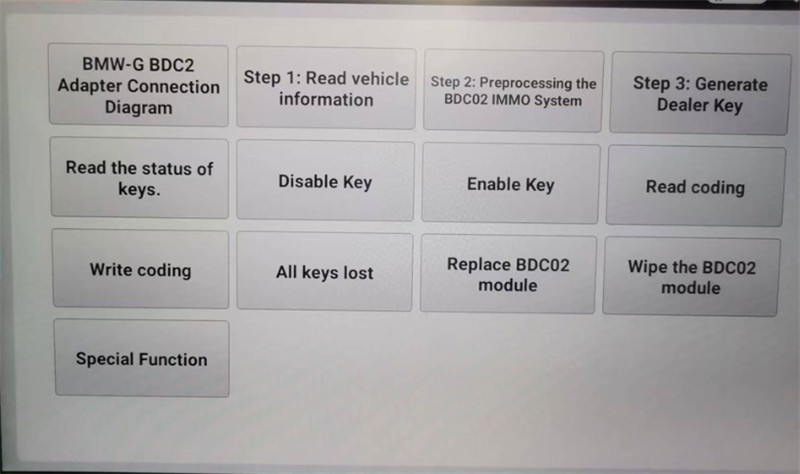
To get started, update your Xhorse software to the latest version, open the BMW diagnostic menu, and look for the newly added BDC2 All Keys Lost option in the standard English interface!
Leave a Reply