Adding a spare key to a 2025 Chevrolet Aveo is a quick job with Xhorse VVDI Key Tool MIDI. You don’t need to pull a PIN code—the key matches straight through the immobilizer menu.
Step-by-Step Instructions (Insert Image 1)
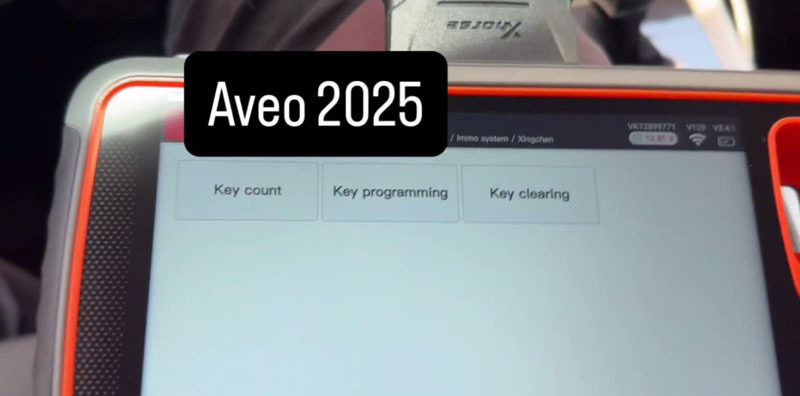
1.Boot up your VVDI Key Tool MIDI and go to Immo Programming > SAIC-GM-Wuling > Immo System > Xingchen.
2.Click Key Count to see how many keys are stored (this vehicle showed 2).
3.Select Key Programming, put the new blade key into the ignition, and turn it to the ON position.
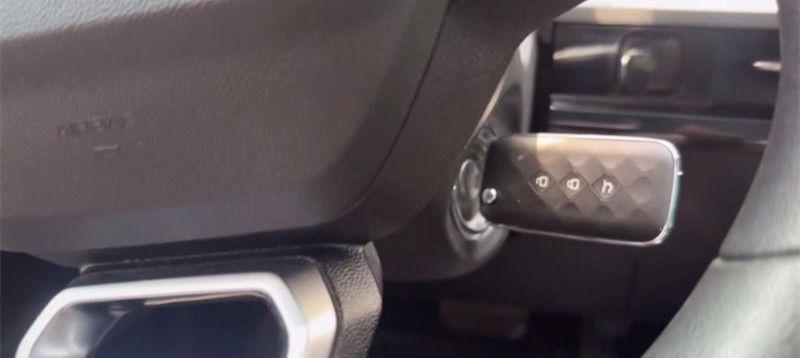
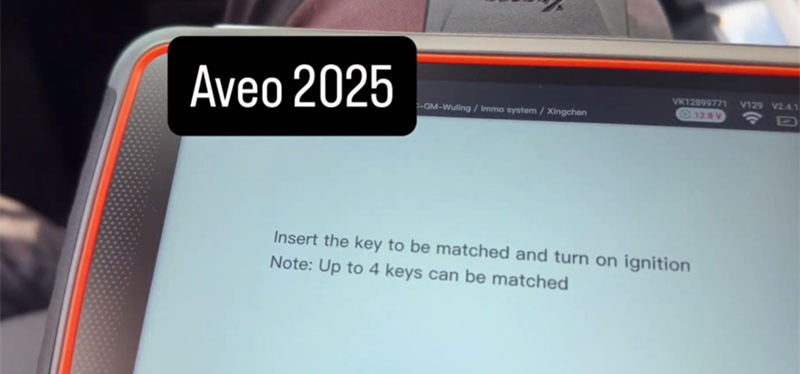
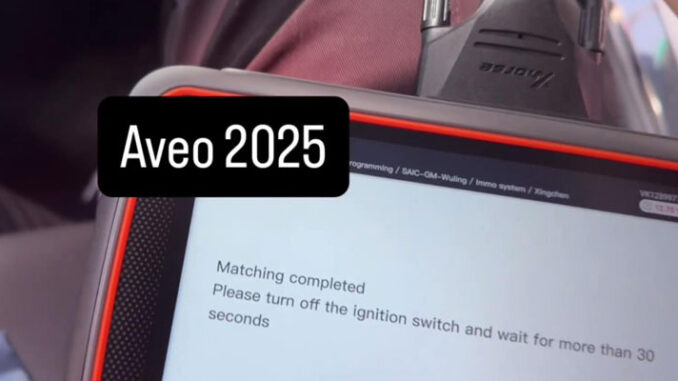
4.Key Tool MIDI programs the chip in under a minute and displays “Matching completed.” You can program up to 4 keys total on this system.
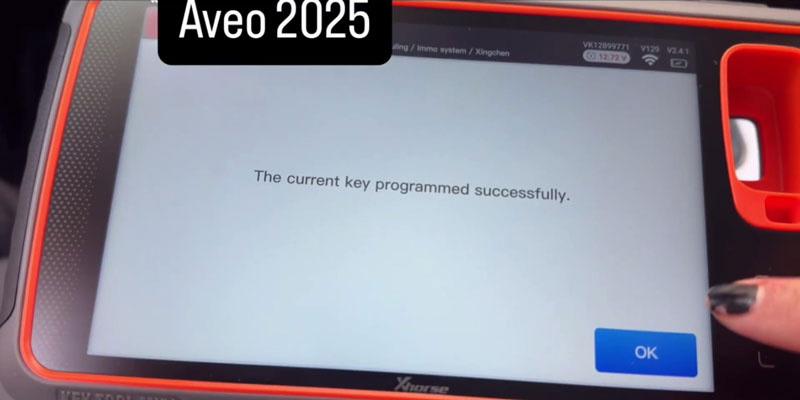
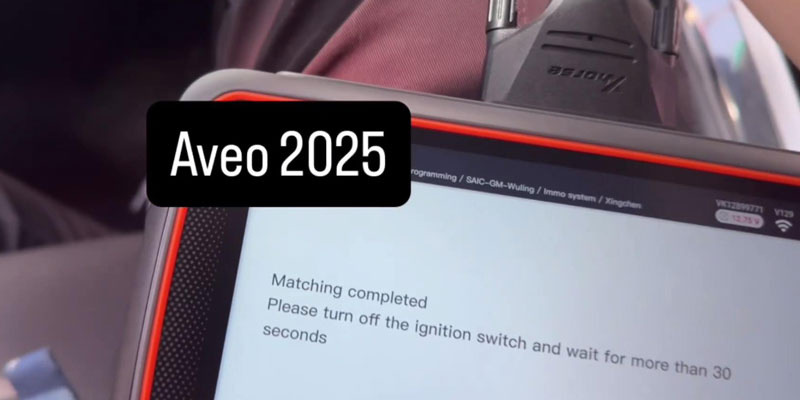
5.Turn the ignition switch OFF and leave it off for at least 30 seconds.
Testing the Key
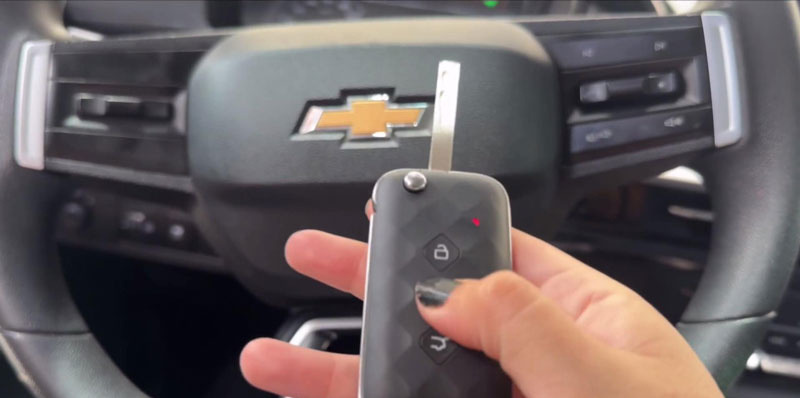
Turn the ignition back ON. Test the key fob buttons to confirm remote locking, then turn the key to start the engine. The new duplicate key is fully matched and ready to hand over to the customer.
Leave a Reply