This post walks you through how to decode and cut a key to Medeco M3 using Xhorse Condor XC-TWINS Key Cutting Machine.
The Medeco M3 system incorporates a high-precision lock cylinder with 6 cut positions. Each position supports 3 distinct cut angles, with additional front or rear orientation requirements.
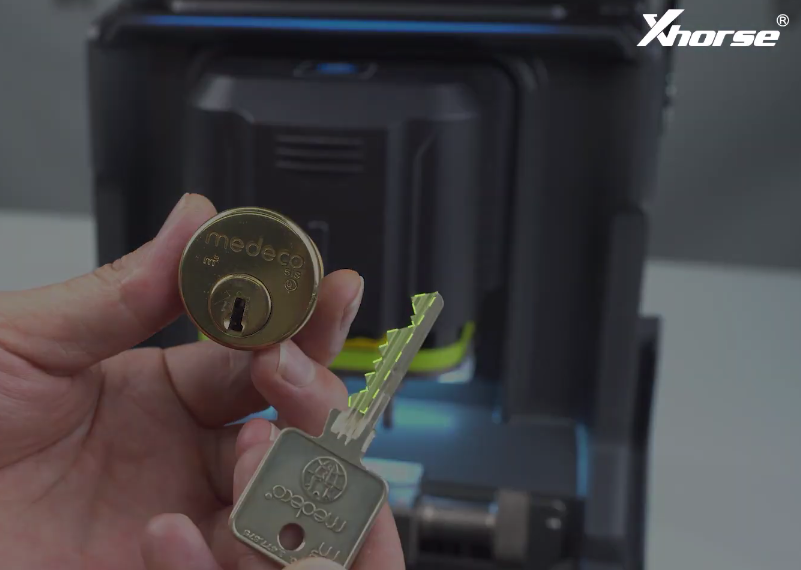
Required Tools:
- Machine: Condor XC-Twins Automatic Key Cutting Machine
- Clamp Configuration: M5 L Clamp (Side B)
- Adapters & Cutters: Dedicated MDC Positioning Block, DO6 Dimple Cutter
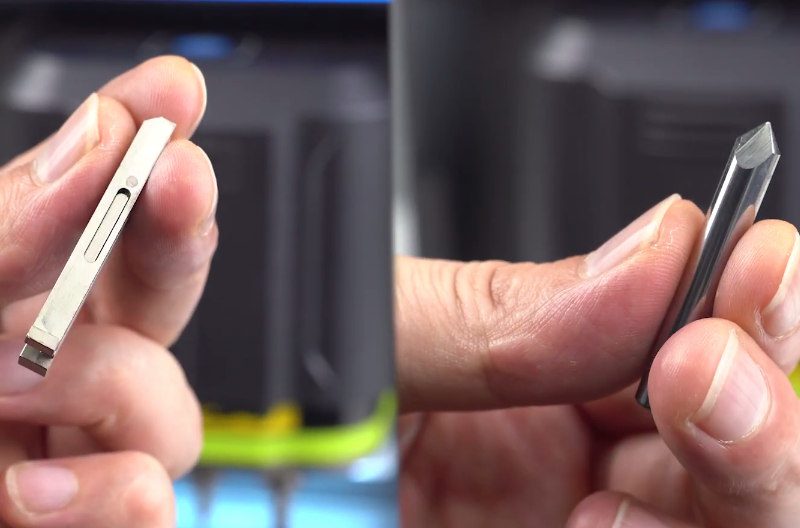
Standard Operating Procedure
1.Database Navigation:
Access Condor XC-Twins machine interface, select Household-> Medeco-> M3, and select the 6 Cuts profile.
2.Original Key Setup:
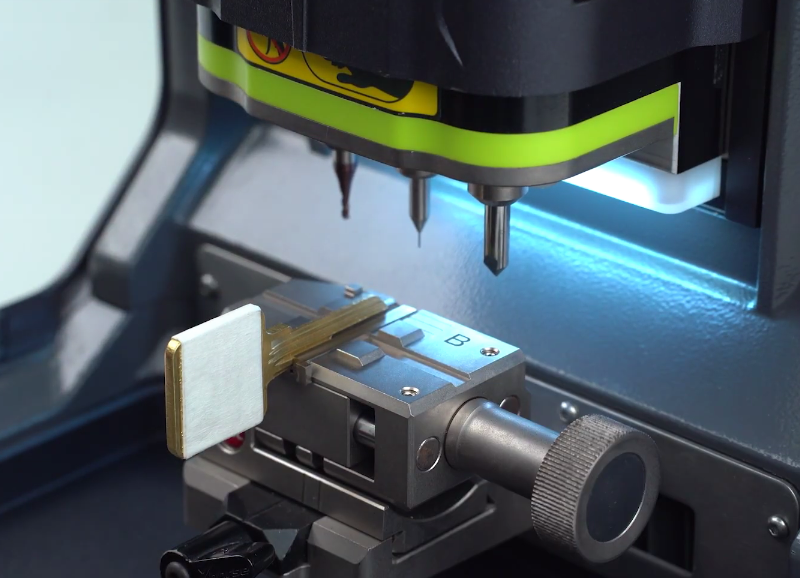
Mount the MDC block onto the lower layer of M5 L clamp Side B, ensuring the block shoulder aligns flush against the outer clamp edge.
Insert the original Medeco M3 key into the block, aligning the key shoulder flush against the outer edge of the MDC block.
3.Key Decoding:
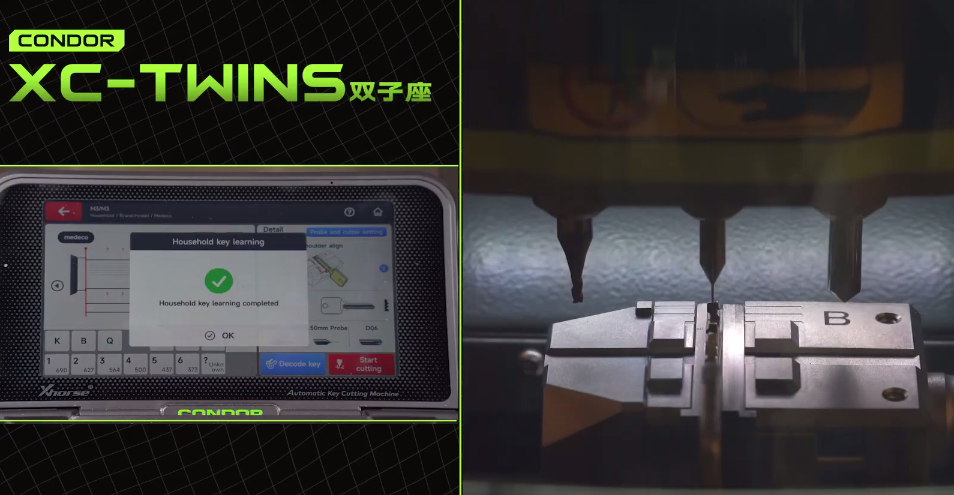
Lock the clamp and select Decode Key.
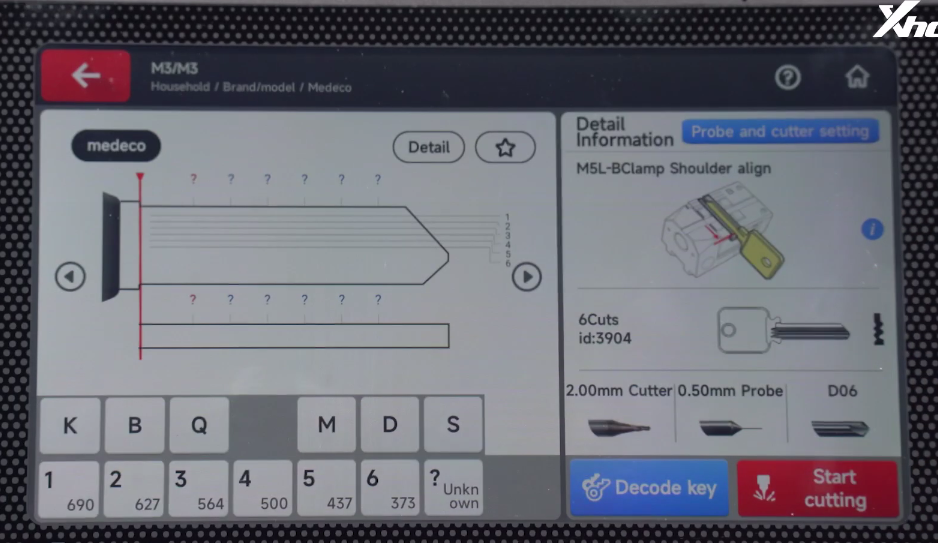
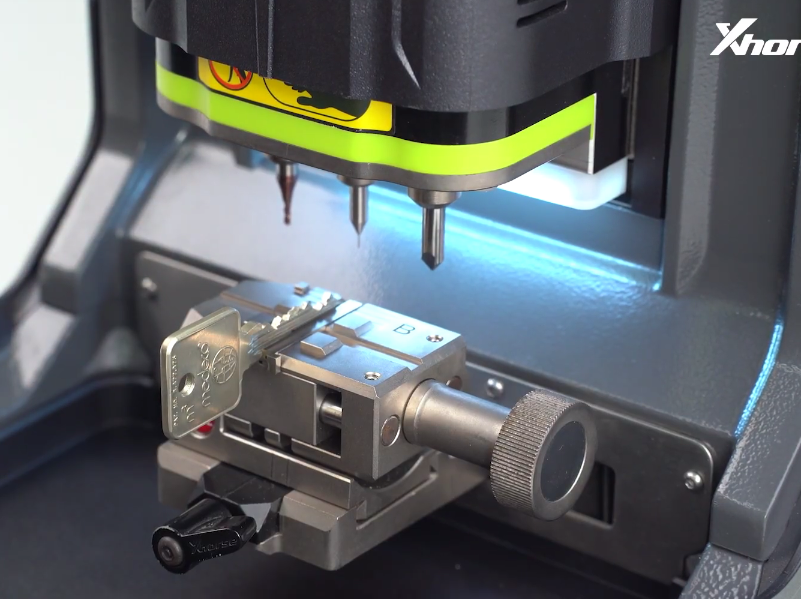
Xhorse Condor XC TWINS scans the bitting depths, cut angles, and angle orientations, displaying the read values on screen.
4.Key Cutting:
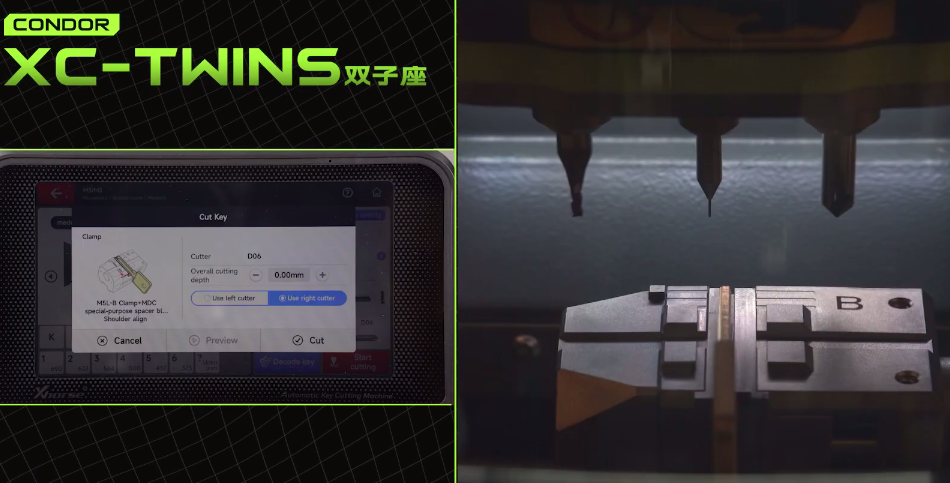
Replace the original key with a blank Medeco key, keeping the shoulder aligned against the MDC block.
Install the DO6 dimple cutter, calibrate, close the safety shield, and tap Cut.
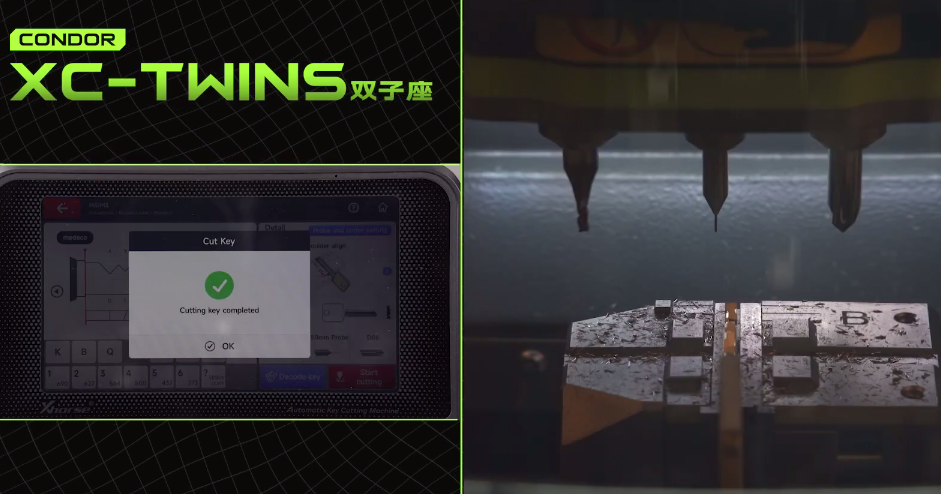
5.Verification: Remove the key, clear metal shavings, and test the key in the cylinder to confirm smooth operation.
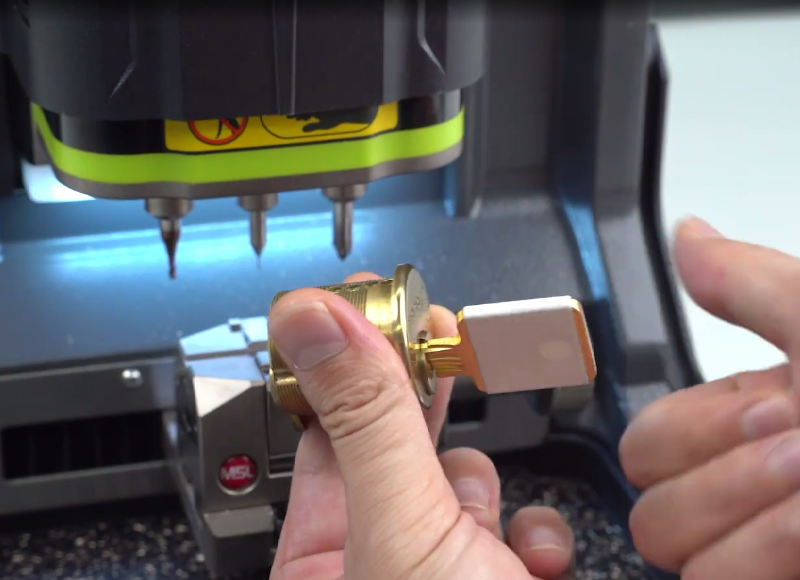
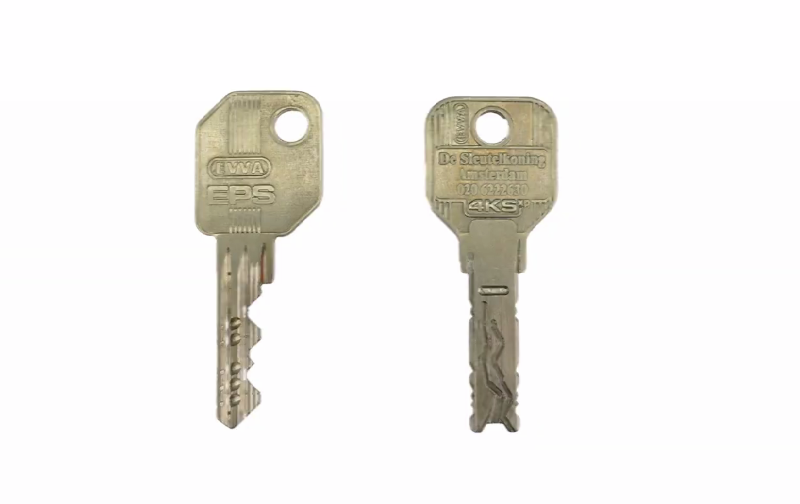
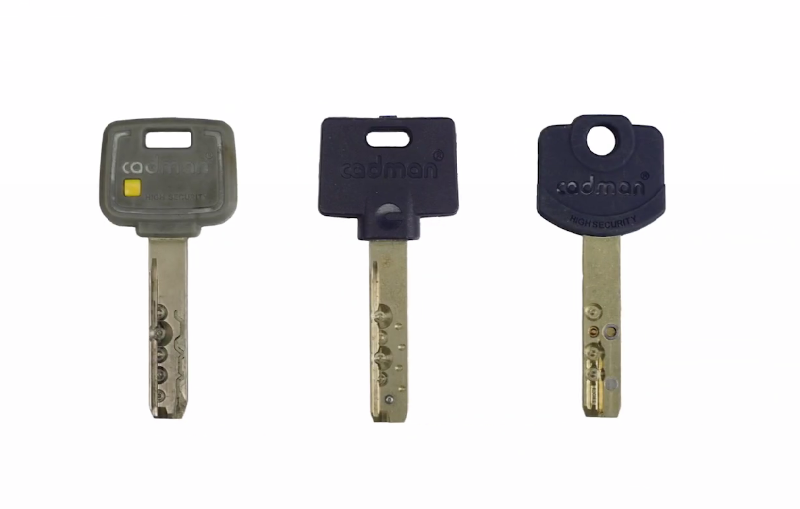
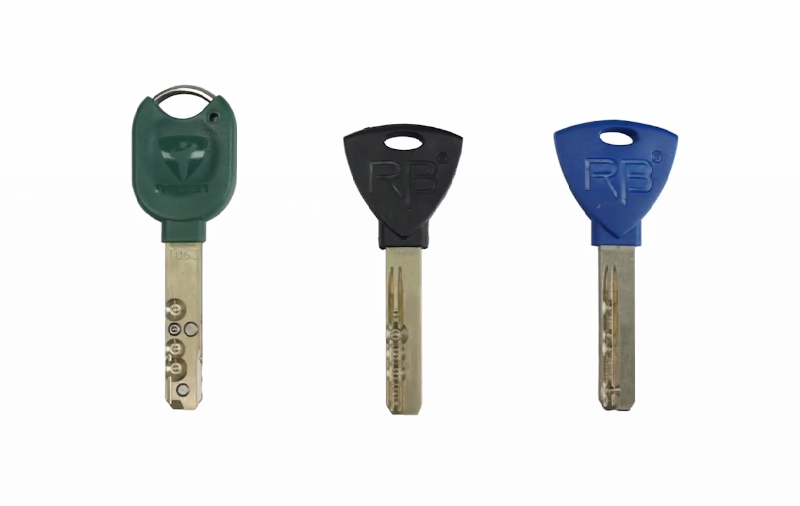
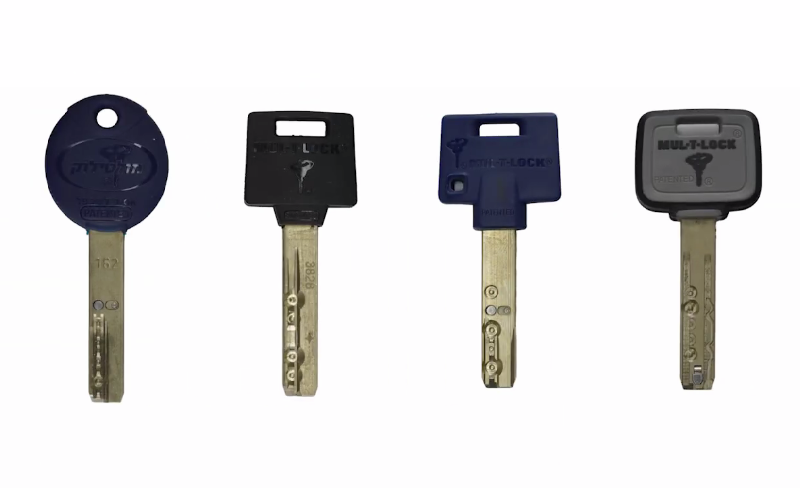
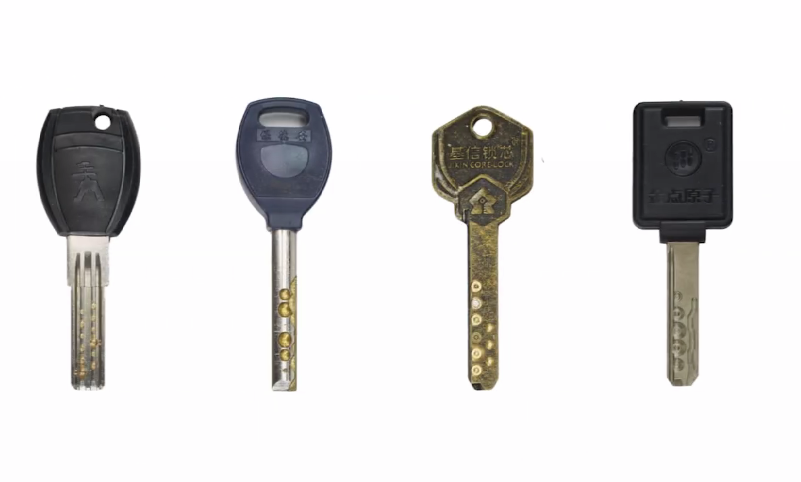
In addition to the Medeco M3, the household key database of Xhorse CONDOR XC-TWINS covers a broad variety of other key types.
Leave a Reply