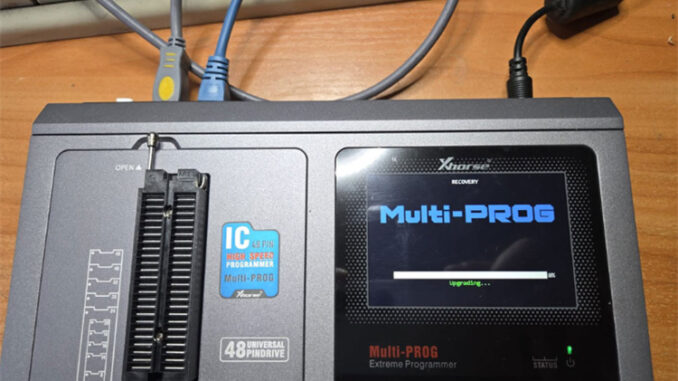
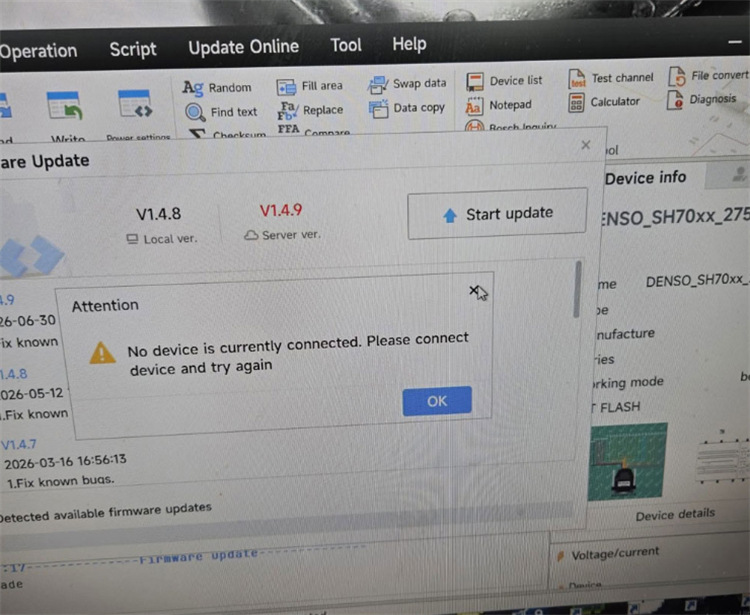
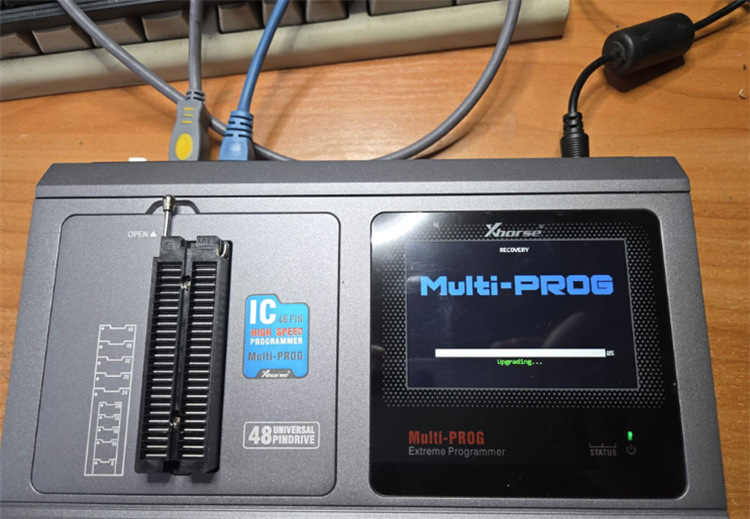
If your Xhorse Multi-Prog gets stuck displaying “UPDATING” and your PC says “No Device Connected” during the V1.4.9 update, don’t panic. The tool dropped its USB driver connection while switching modes during the flash process, trapping it in bootloader mode.
How to Recover Your Device
1.Hard Reset the Tool:
Keep the device hooked up to your PC app, then press and hold the physical reset button on the programmer for 10 seconds.
2.Switch to a Direct USB 2.0 Port:
Unplug the USB cable and plug it directly into a rear USB 2.0 port on your computer. Avoid USB 3.0 ports, front-panel ports, or external USB hubs, as they often cause driver dropouts during firmware writes.
3.Run Firmware Recovery:
Open Multi-Prog software, head to the device update menu, and hit Firmware Recovery Mode. The software will re-detect the programmer and finish flashing V1.4.9 cleanly.
Tech support:
Whatsapp/Wechat(Lucy): +86 15387077565
Email: sales@xhorseshop.co.uk
Skype: xhorseshop.co.uk
Leave a Reply