This guide explains how to add keys to a 2022 Renault Kwid using Xhorse VVDI KEY TOOL PLUS. The procedure covers vehicle selection, Johnson Controls flip key selection, 32-digit PIN reading, key programming, and final key verification.
Vehicle and Key Information
Vehicle: 2022 Renault Kwid
Key system: Johnson Controls
Key type: Flip key
Tool: VVDI KEY TOOL PLUS
Keys programmed: 2
Procedure
Step 1: Open Renault Key Programming
On Xhorse Key Tool Plus, select:
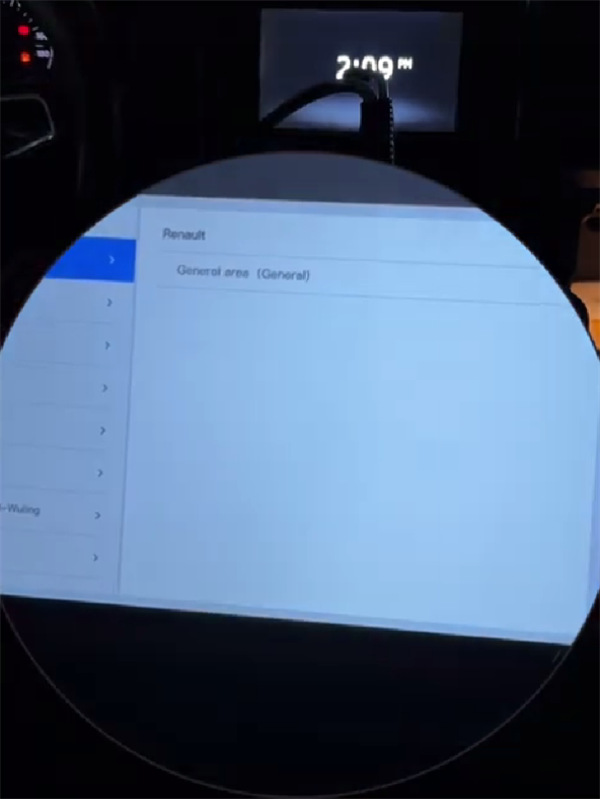
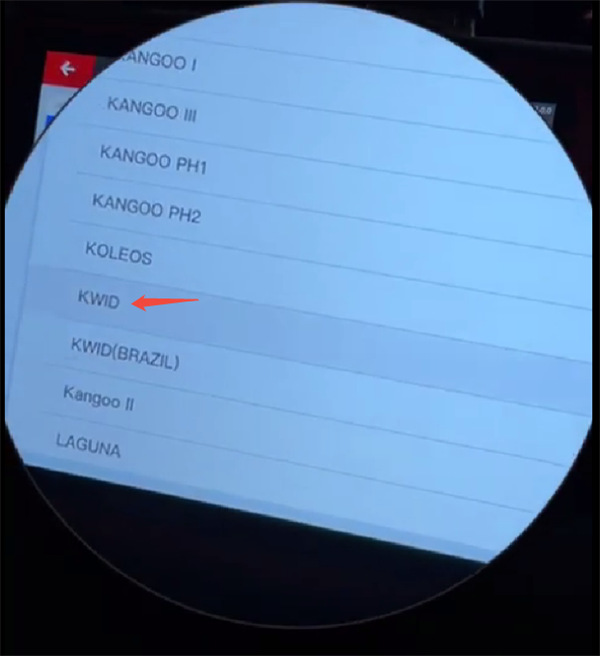
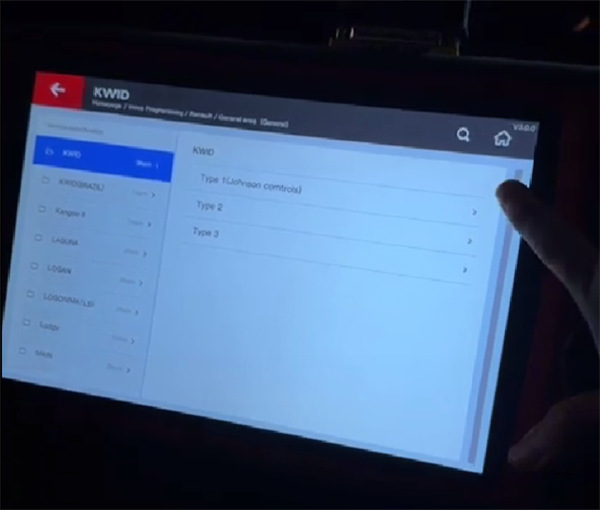
Immo Programming → All remote→ Renault → General area (General) →KWID
Make sure the correct vehicle generation is selected before continuing.
Step 2: Select the Key
Choose:
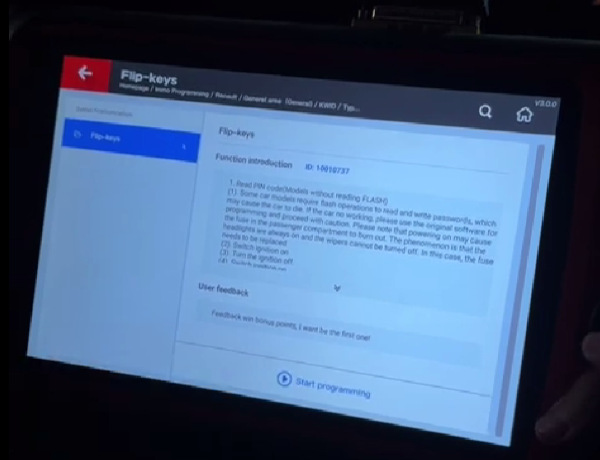
Type 1: Johnson Controls → Flip Keys
Start the programming function after confirming the key type.
Step 3: Read the Vehicle PIN
Select Read PIN code function.
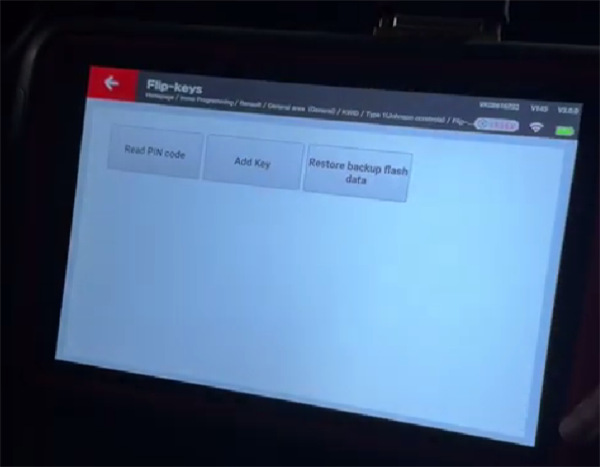
The device will request an ignition cycle:
- Turn the ignition on.
- Turn the ignition off.
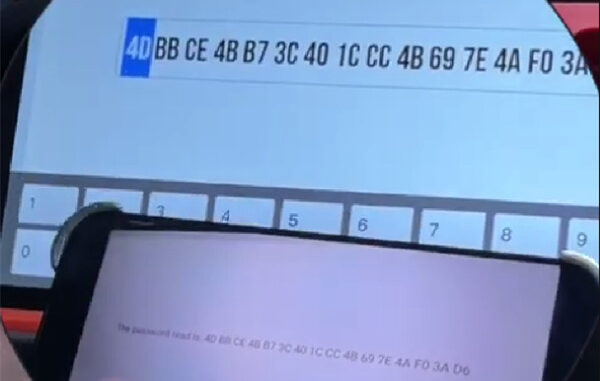
Xhorse Key Tool Plus key programmer then generates a 32-digit security code.
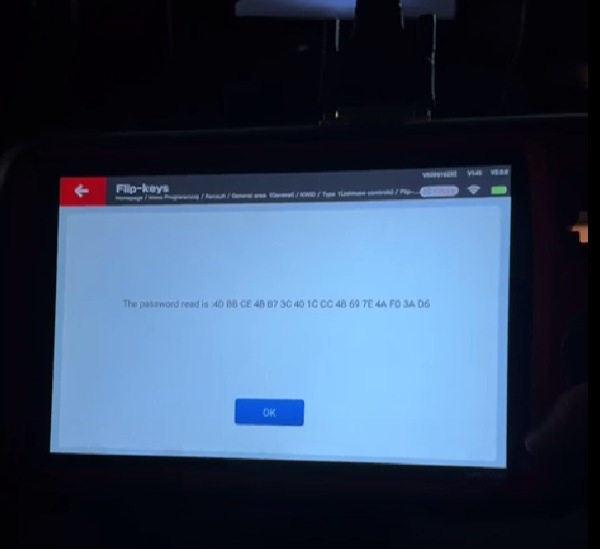
Record the code before moving to the next step. A photo of the displayed code can be used as a reference.
Step 4: Select Add Keys
Choose Add keys.
A warning will appear stating that the existing keys will be erased and reprogrammed. Select Yes to continue.
Follow the on-screen ignition instructions:
- Switch on.
- Switch off.
When prompted for the number of keys, enter 2 and press Okay.
Step 5: Verify the PIN
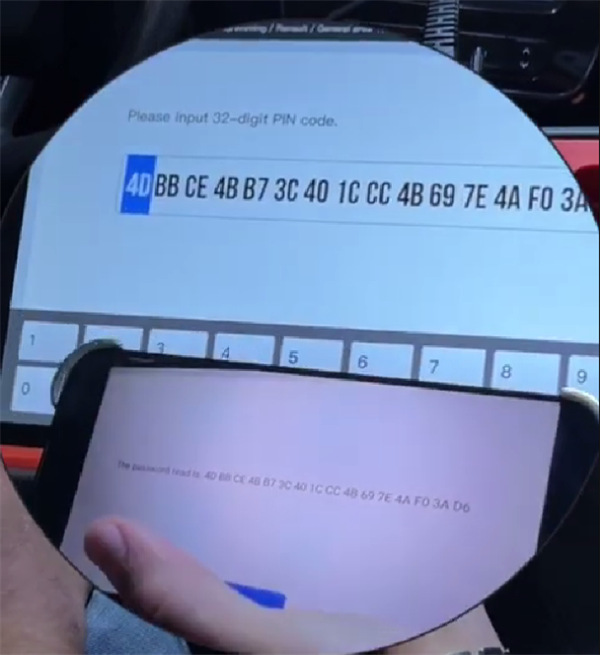
The device displays the 32-digit security code again.
Compare it with the code obtained in Step 3. The codes should match.
Press Okay to continue if the code is correct.
Step 6: Program Key 1
Insert the first key into the ignition.
Turn the ignition on when prompted by the device and press Okay.
The first key will be programmed.
Step 7: Program Key 2
Remove the first key and insert the second key.
Turn the ignition on and press Okay when prompted.
The second key will then be programmed.
Step 8: Complete the Procedure
After programming the two keys, select No when asked whether another key should be added.
Turn the ignition off.
KEY TOOL PLUS will display:
Total keys: 2
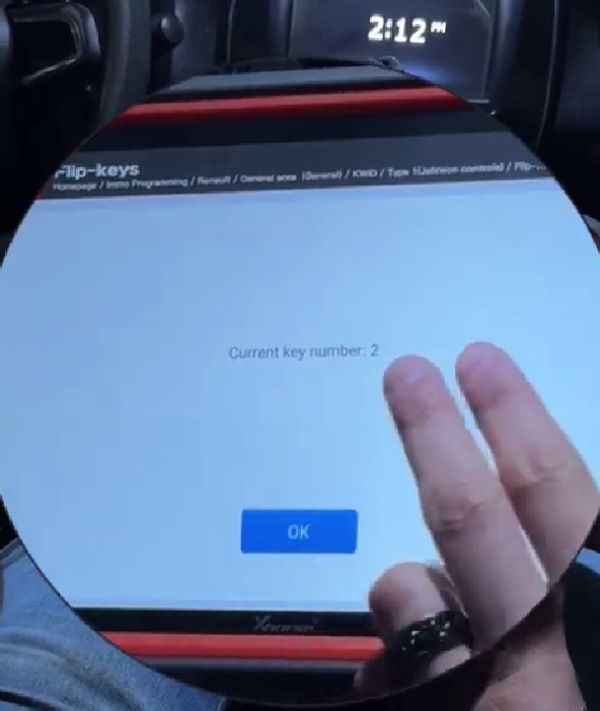
The final status will show:
Programming complete
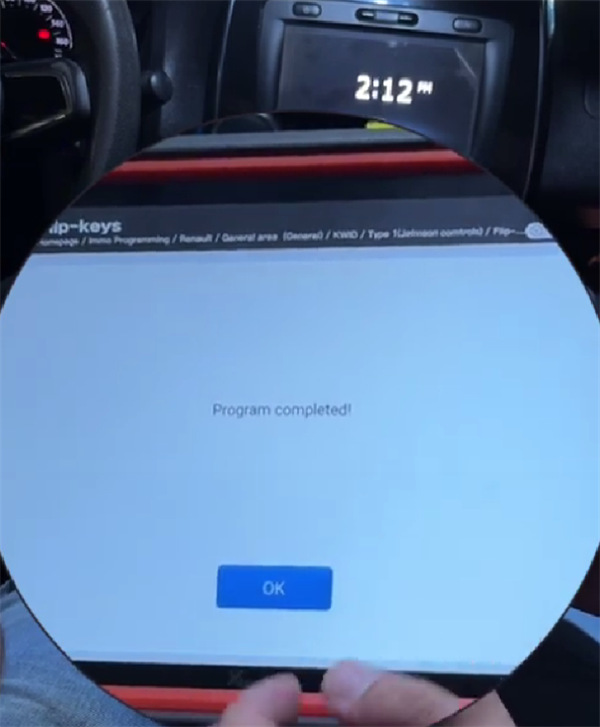
Step 9: Test the Keys
Test both programmed keys on the vehicle. Confirm that each key starts the vehicle and operates normally.
Notes
This procedure is based on a 2022 Renault Kwid equipped with a Johnson Controls flip key system.
Key programming steps can vary depending on the vehicle model year, immobilizer system, and key type. Always select the correct vehicle and key information in VVDI Key Tool Plus Pad before programming.
Because the Add Keys function erases previously registered keys, make sure all required keys are available and programmed during the same operation.
Leave a Reply