Problem:
One customer reported that Xhorse Multi Prog always appeared the error “The device system version is outdated and requires a system upgrade first (4133AAAA)” when updating the firmware. 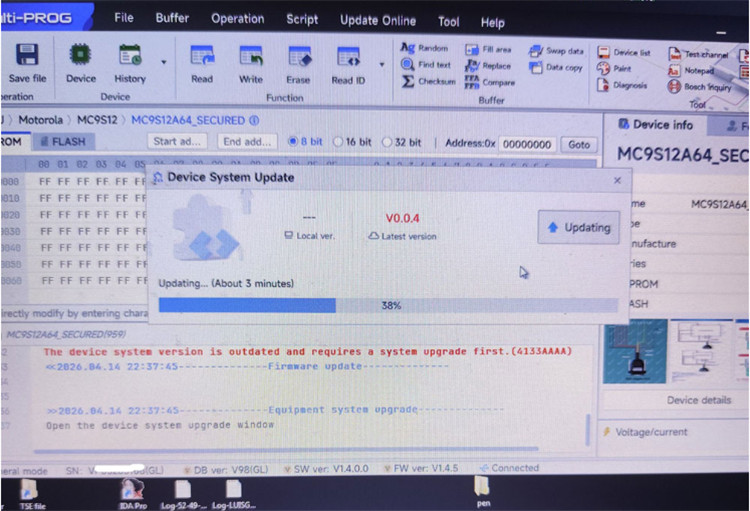
The solution:
STEP 1: Reset device
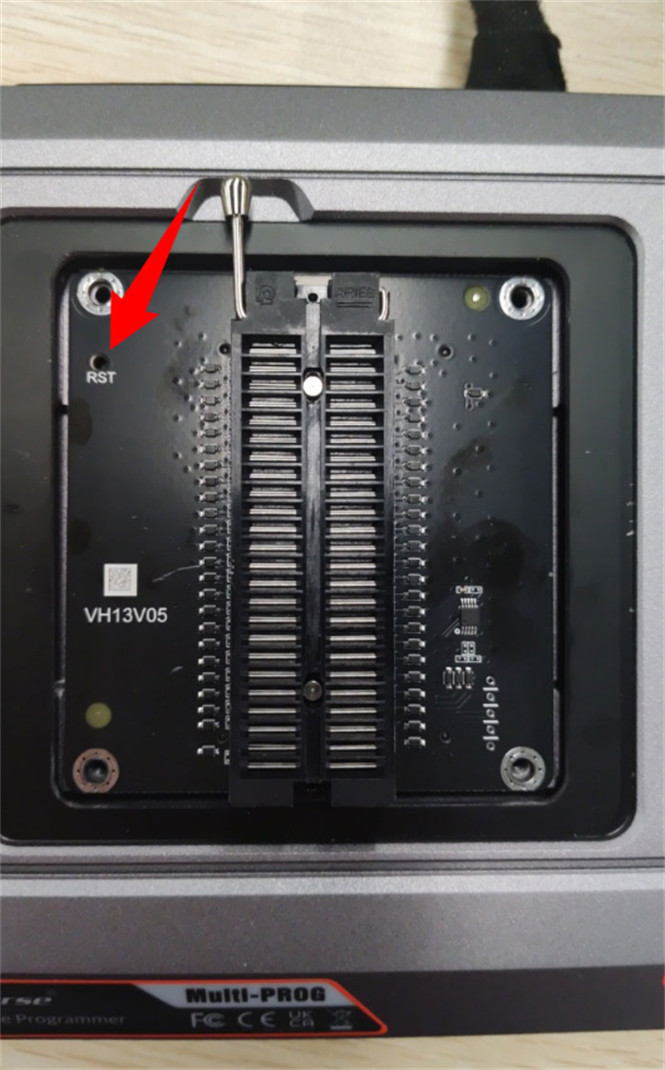
With Multi-Prog main unit powered off, press and hold the Reset button.
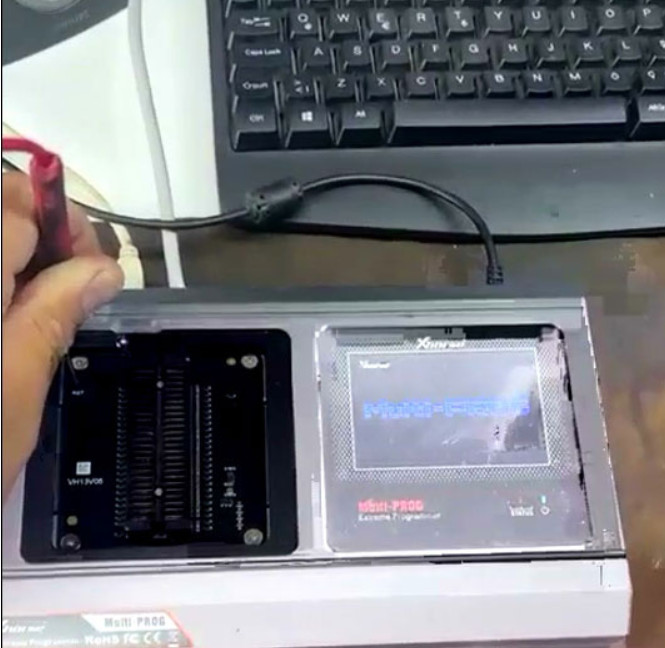
While still holding the button, power on the device and continue holding for 5 seconds after power‑up.
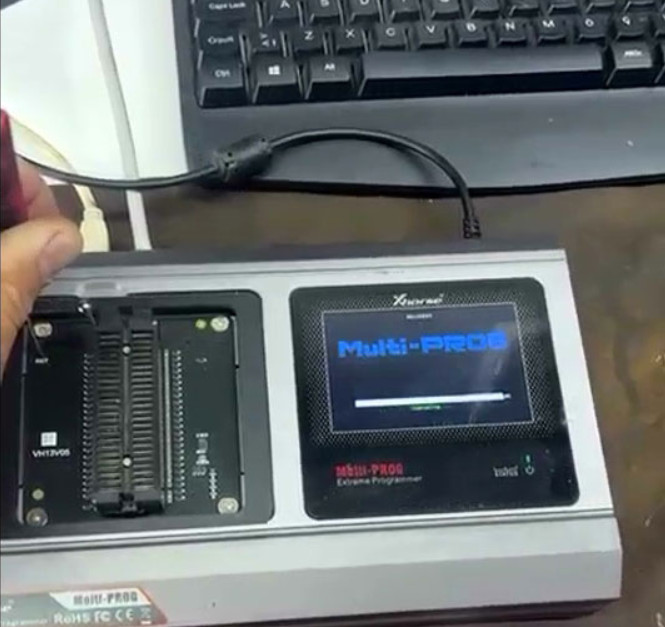
STEP 2: Force a firmware update
Tech support:
Whatsapp/Wechat(Lucy): +86 15387077565
Email: sales@xhorseshop.co.uk
Skype: xhorseshop.co.uk
Leave a Reply