Problem:
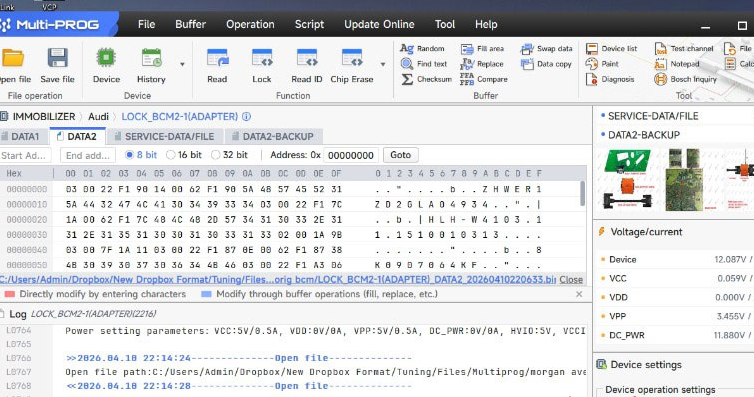
When I used Xhorse Multi Prog and an old BCM2 adapter to clone a used Audi BCM2, the BCM is encrypted, but it doesn’t need synch data — it’s an A4 type. I’ve read Data 1 and Data 2 from both BCMs. What should I do with these files to copy everything across?
Solution:
You’ll need the new BCM2 adapter to do a full clone. The old adapter doesn’t allow a complete read — you’d have to manually clone the data inside the dump.
With the correct BCM2 adapter, you don’t need synch data. Just read and write.
Here’s how:
Use Multi Prog to read Data 1 and Data 2.
Load both files into VVDI Key Tool Plus.
The tool will generate two files: a Service File and a Key (IMMO) file.
Write the Service File into your reused BCM2.
That’s it — you’re done.
Tech support:
Whatsapp/Wechat(Lucy): +86 15387077565
Email: sales@xhorseshop.co.uk
Skype: xhorseshop.co.uk
Leave a Reply