Want to generate an original VW 5C 5D dealer key? Here’s how to do it using Xhorse Multi-Prog Programmer. This process works with original or VVDI keys. Today, we’re using an original key.
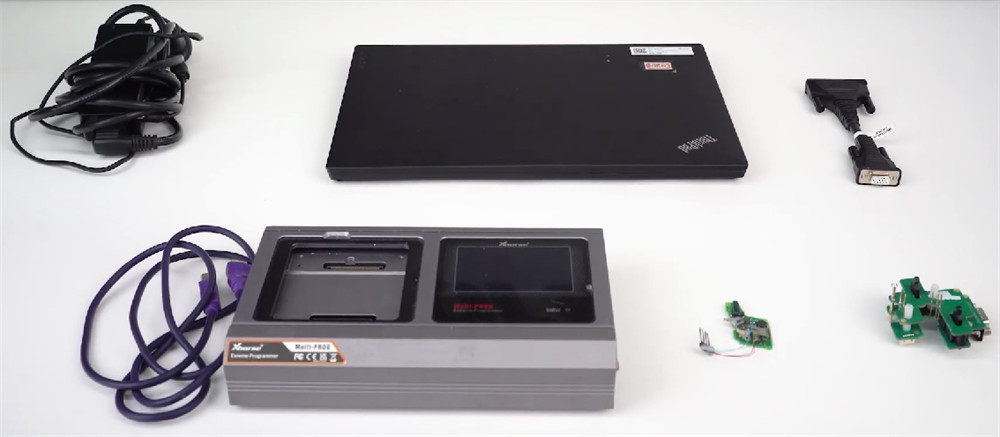
You’ve got two choices: soldering or a solder-free adapter. Both work great.
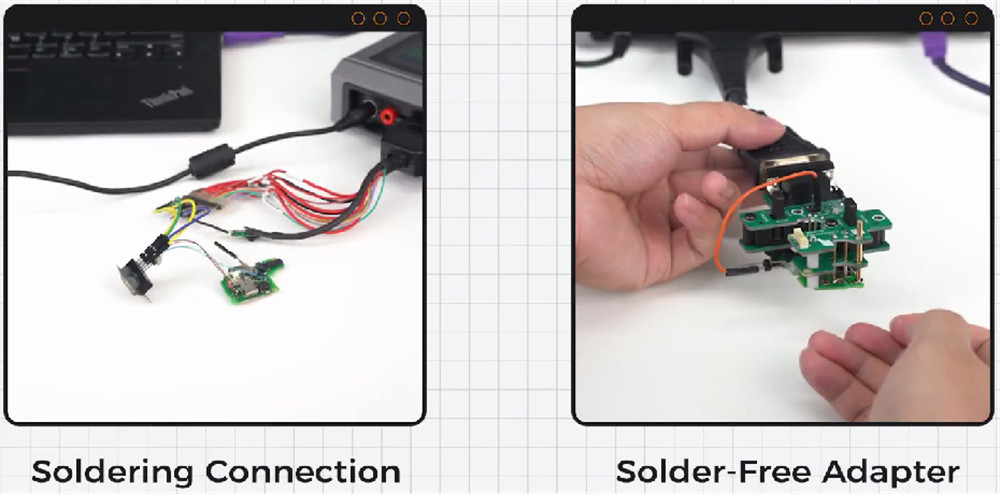
1.Soldering Method
Connect Multi-Prog to your PC and open the software.
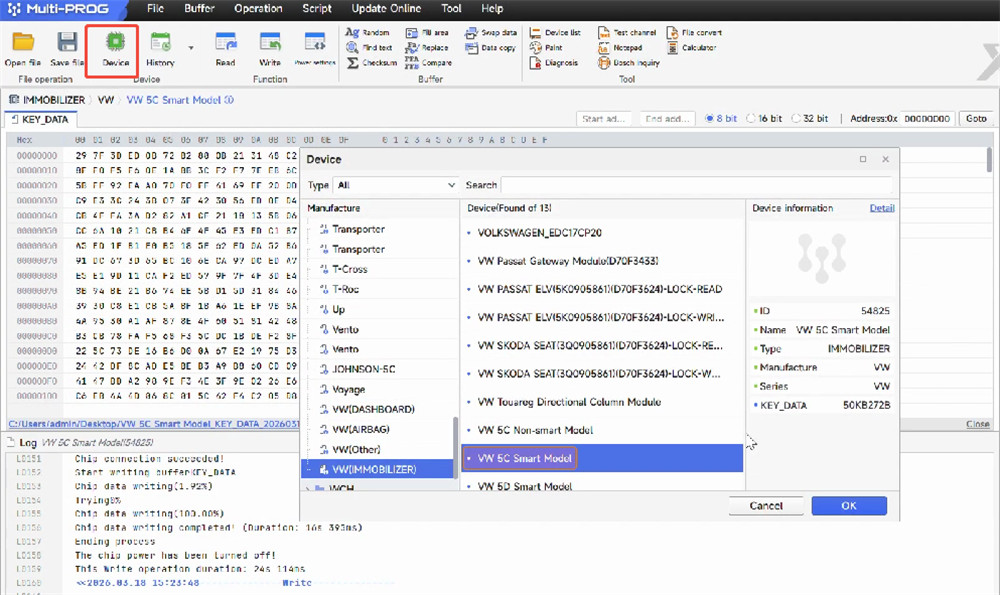
Go to [Device] → [VW 5C Smart Model].
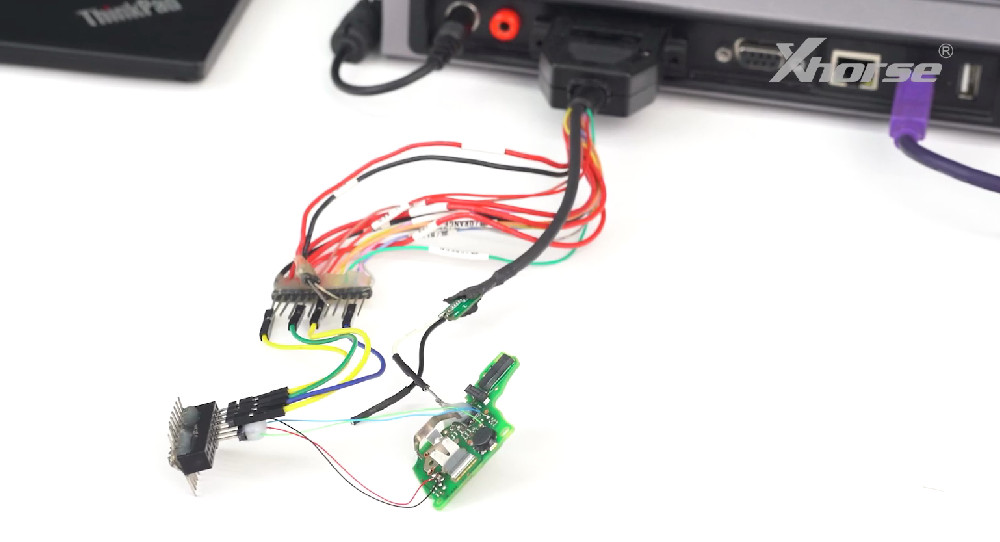
Check the connection diagram and wire accordingly.
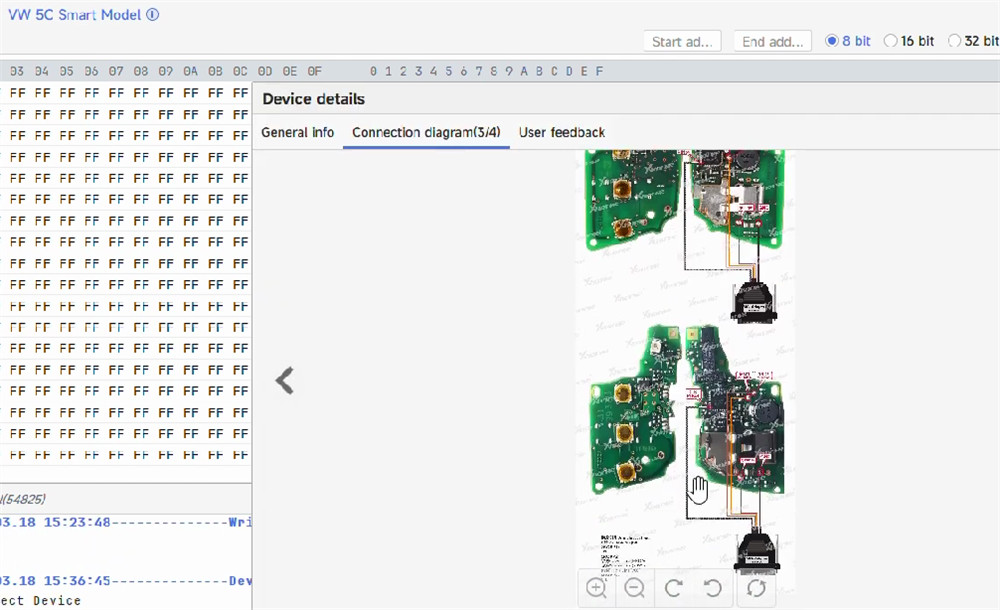
Solder the original key to the MCU cable.
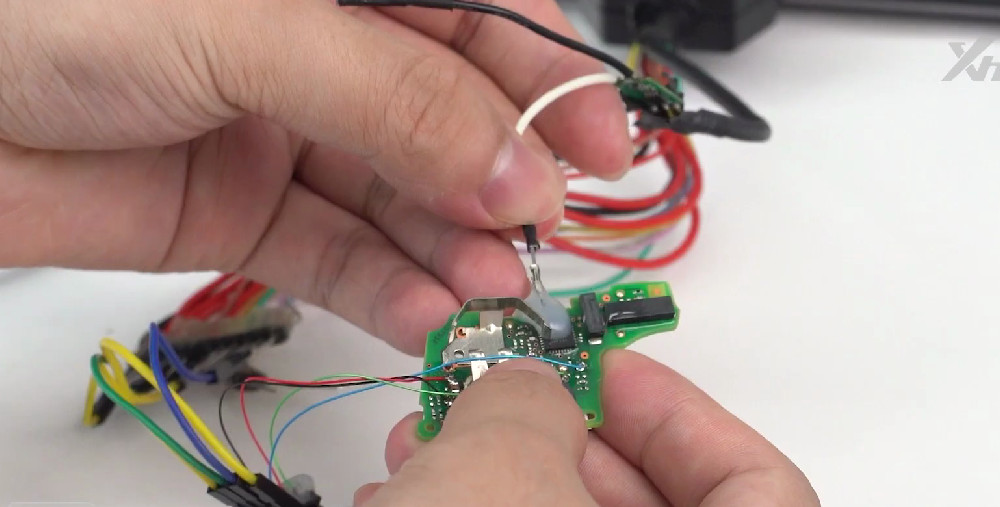
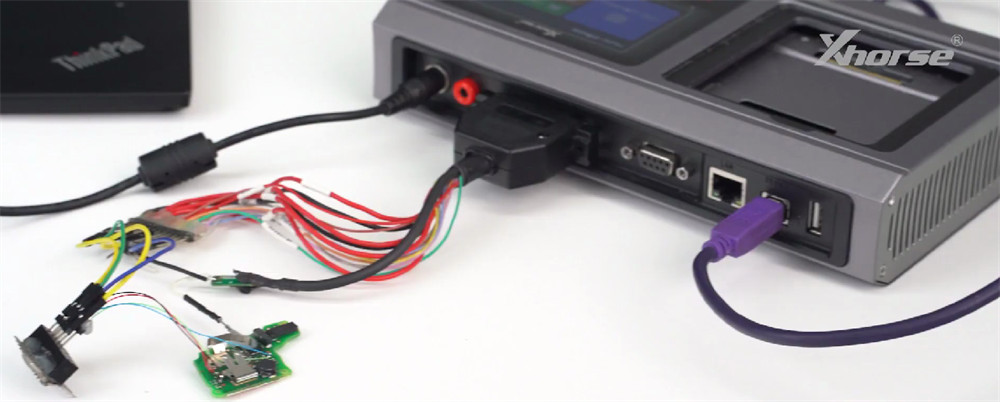
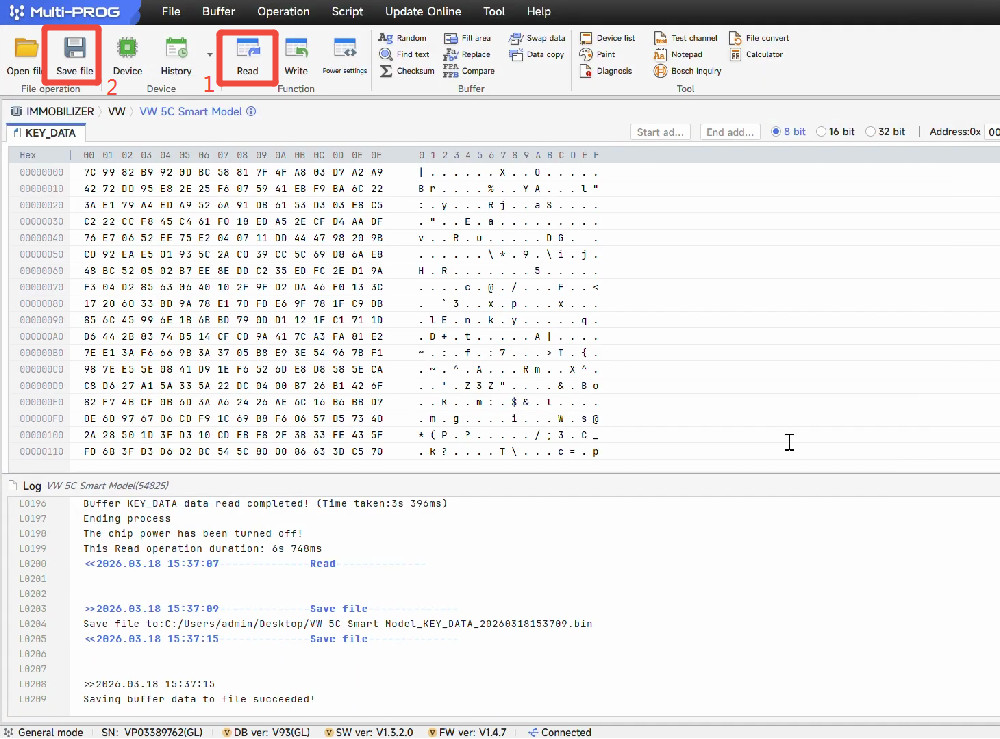
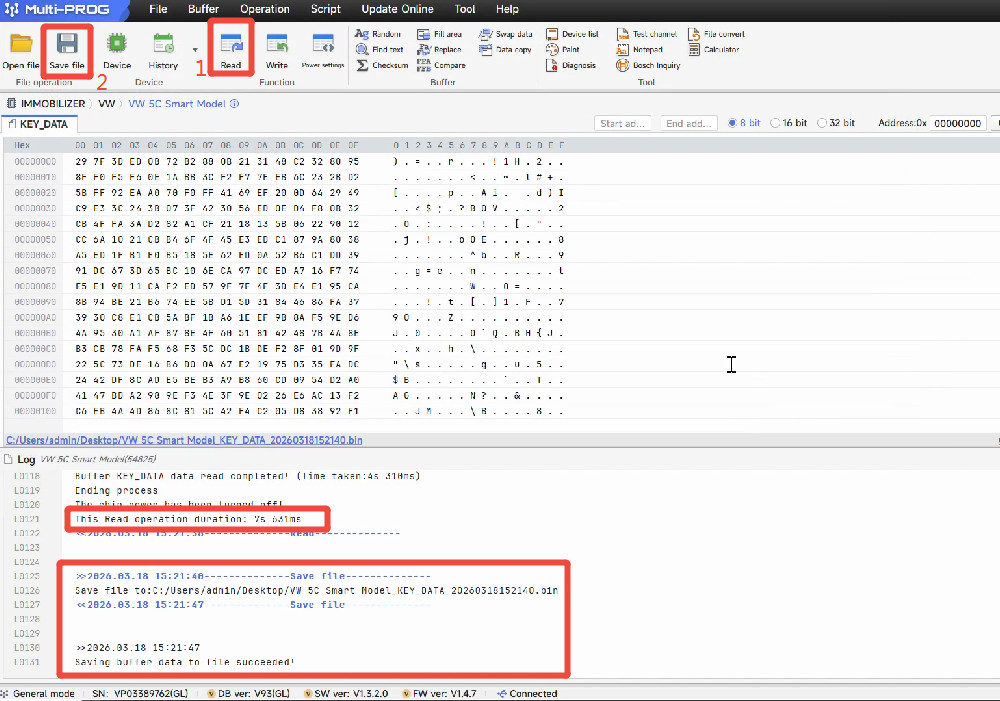
Click [Read] to get the original key data.
Click [Save File] to back up the data.
Remove the old key. Solder the new original key to the same harness points.
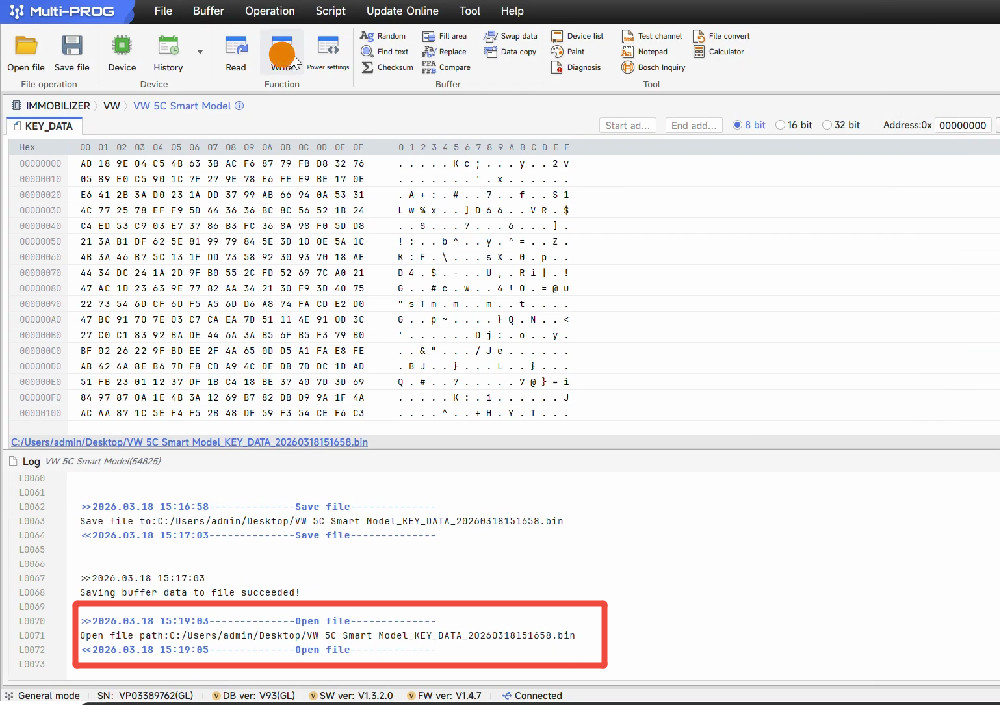
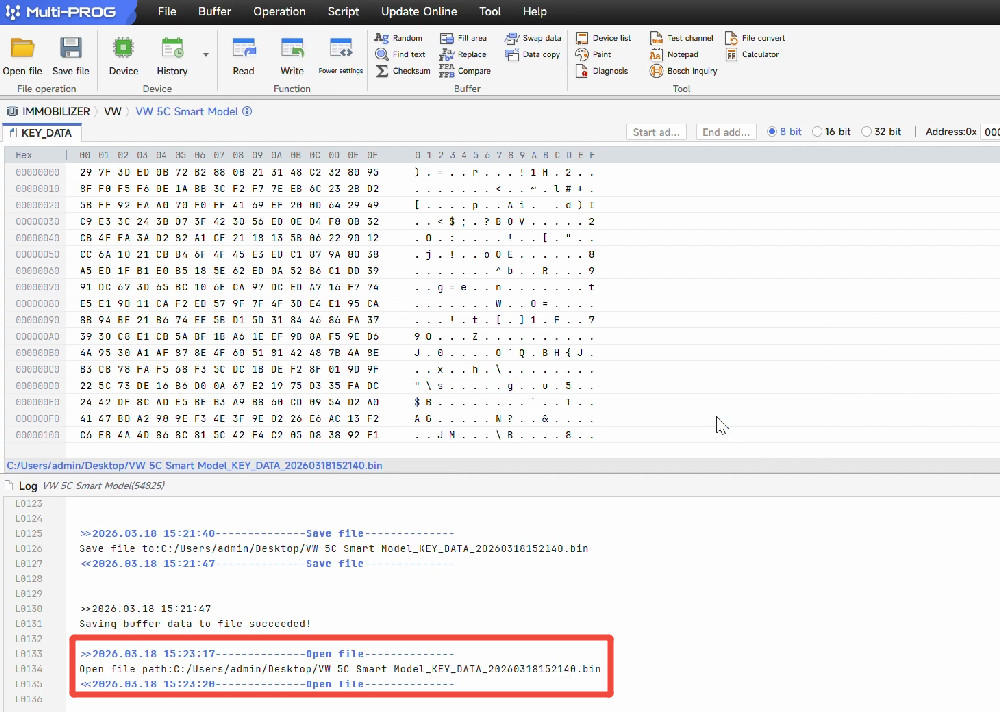
Click [Open File] and load your saved data.
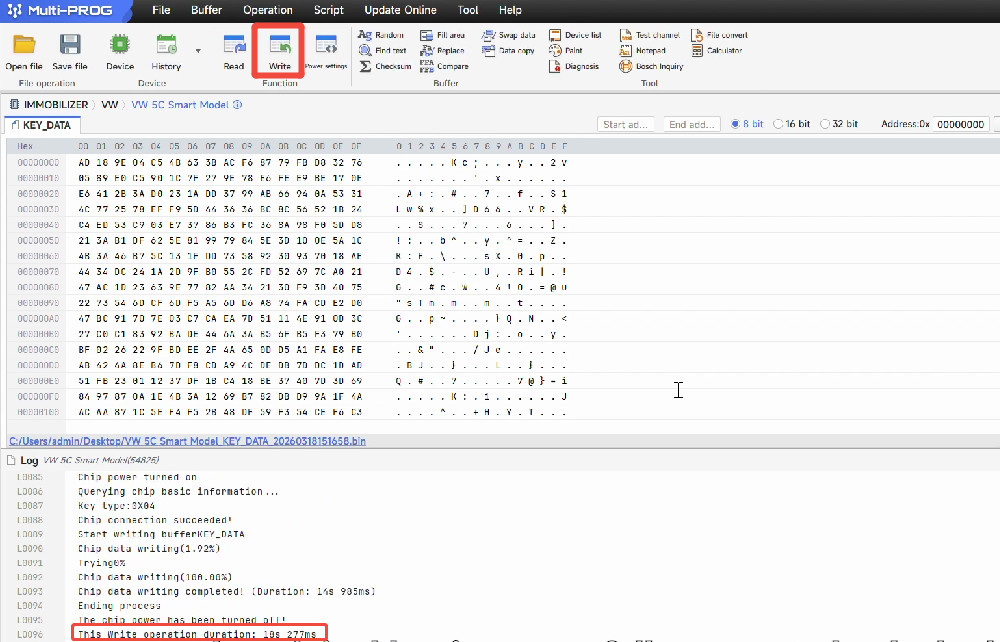
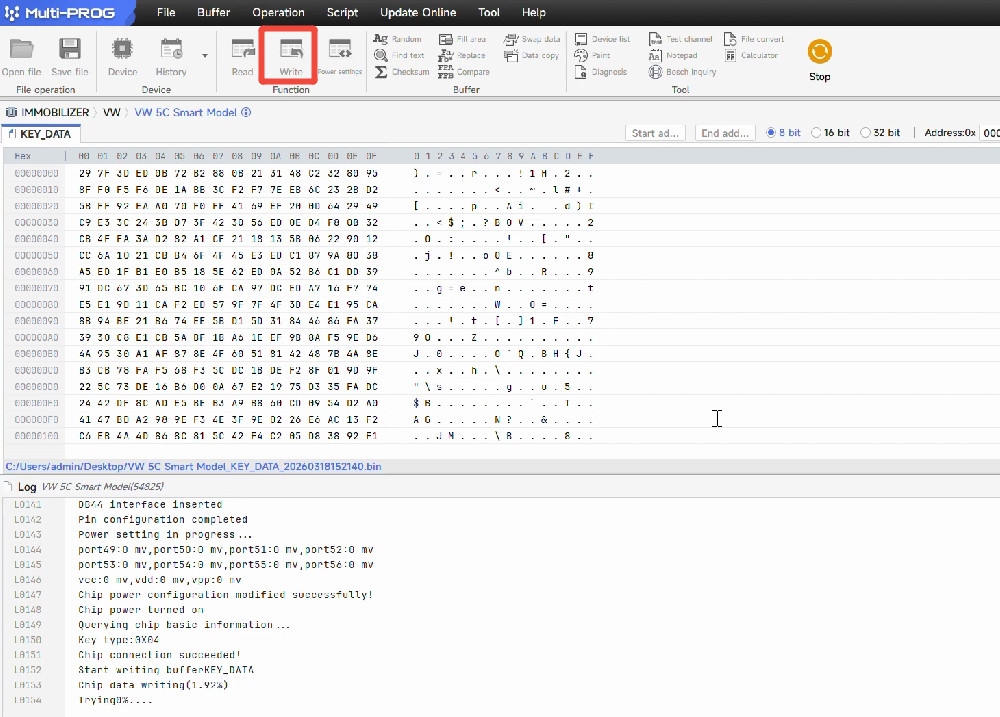
Click [Write]. Done – your new dealer key is ready.
2.Solder-Free Adapter Method
Clamp the original key onto Xhorse MQB 5C 5D Dedicated Adapter.
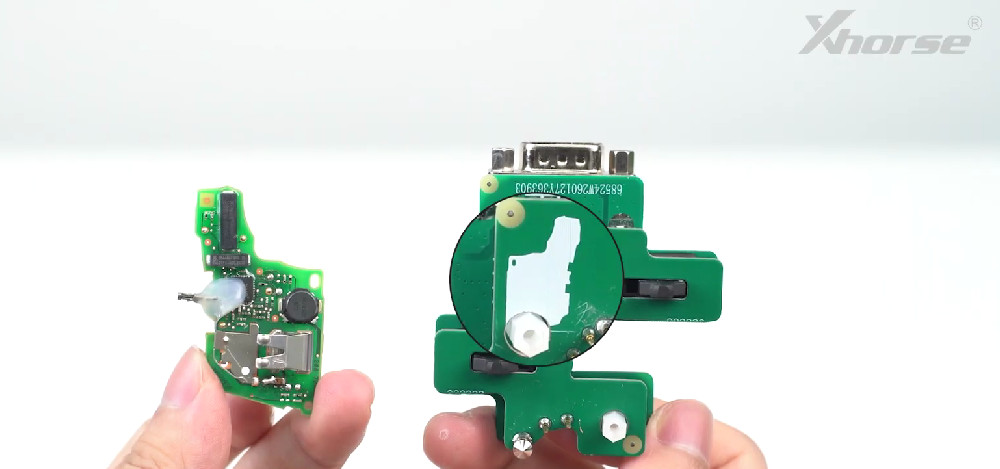
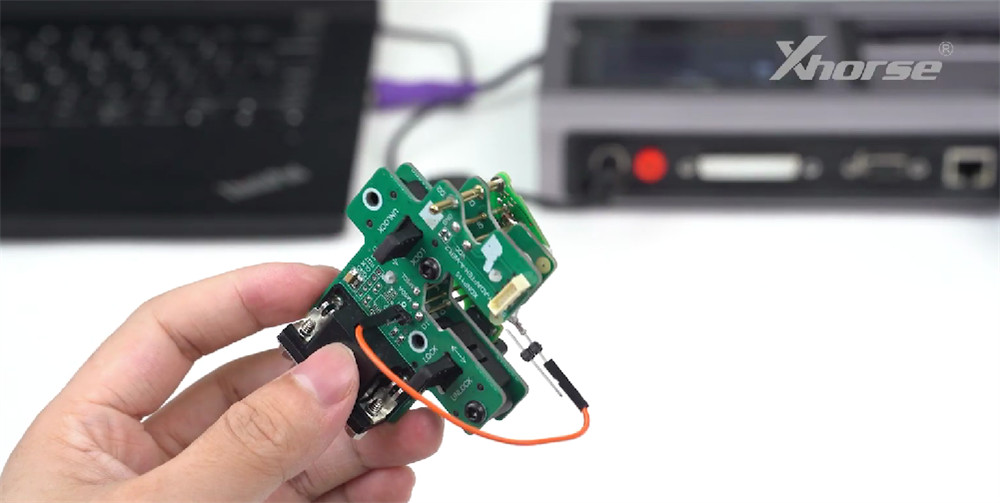
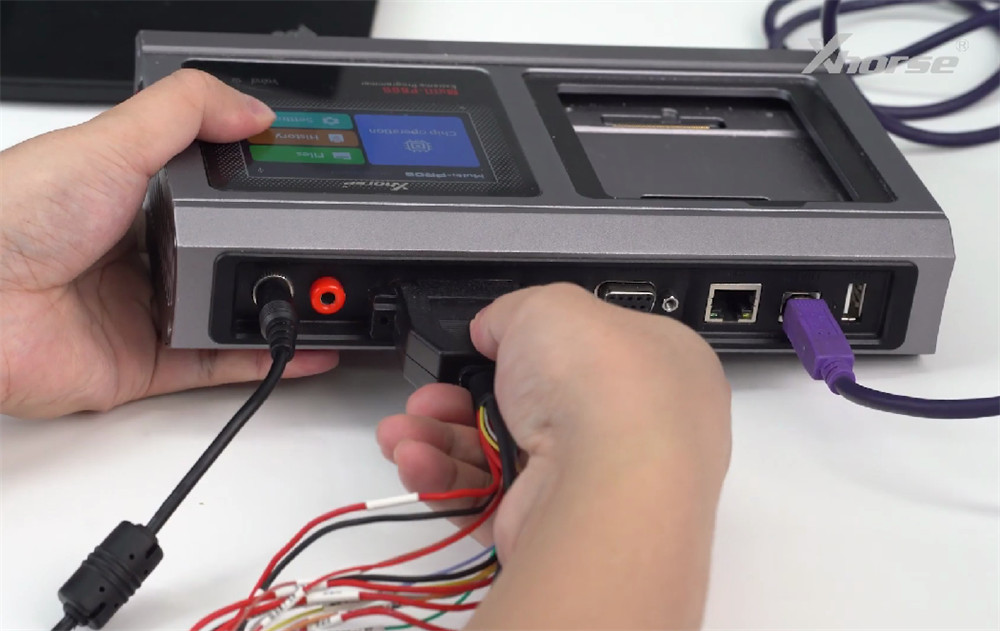
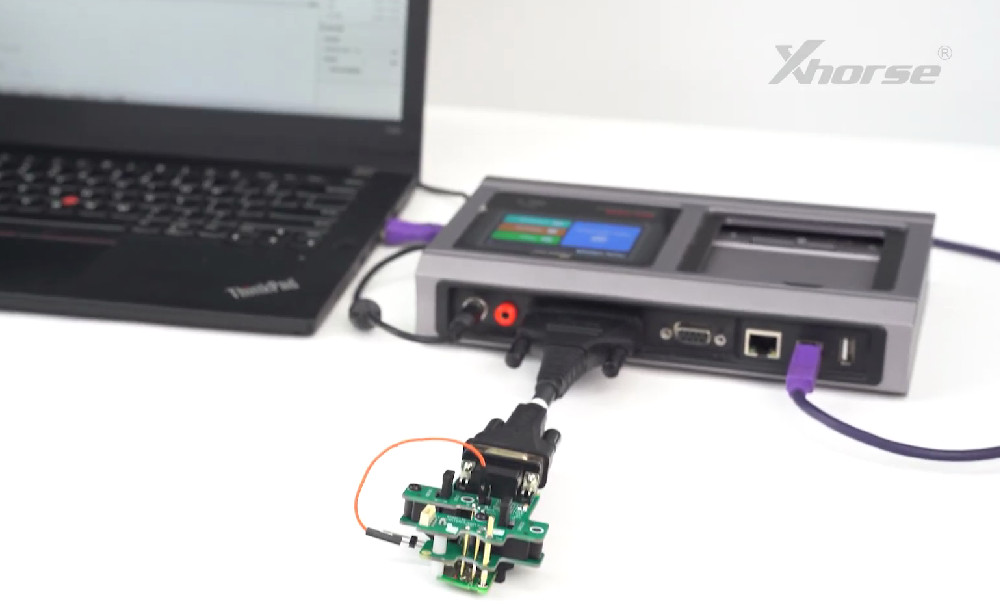
Connect the MCU cable to Xhorse Multi-Prog.
Click [Read], then [Save File] to store the data.
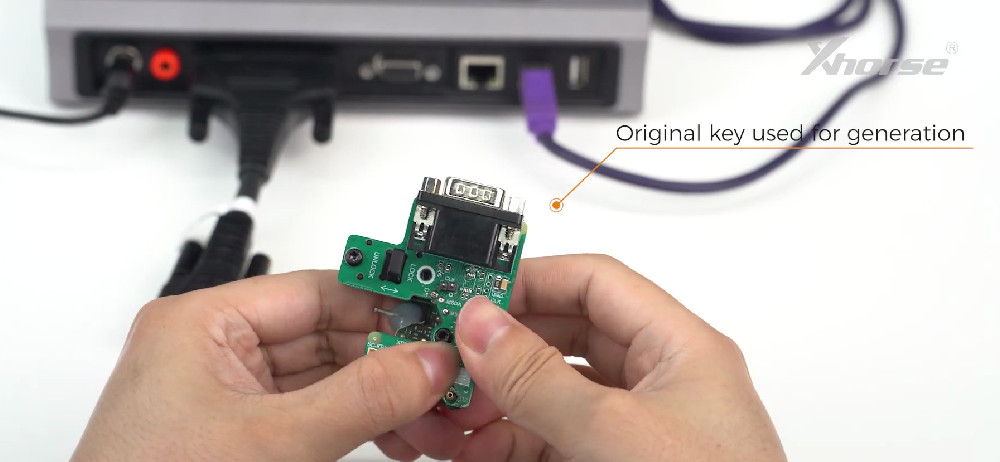
Take off the original key. Clamp the new key onto the adapter.
Click [Open File] and load the saved data.
Click [Write]. The new key is now a dealer key.
Next Steps
Take the generated dealer key to your vehicle for key learning. You’ll need one of these tools:
That’s all it takes to generate a VW 5C 5D dealer key using Xhorse Multi-Prog ECU Programmer. Soldering or solder-free – pick the method that suits you best.
https://www.xhorseshop.co.uk/
Leave a Reply