Customer problem:
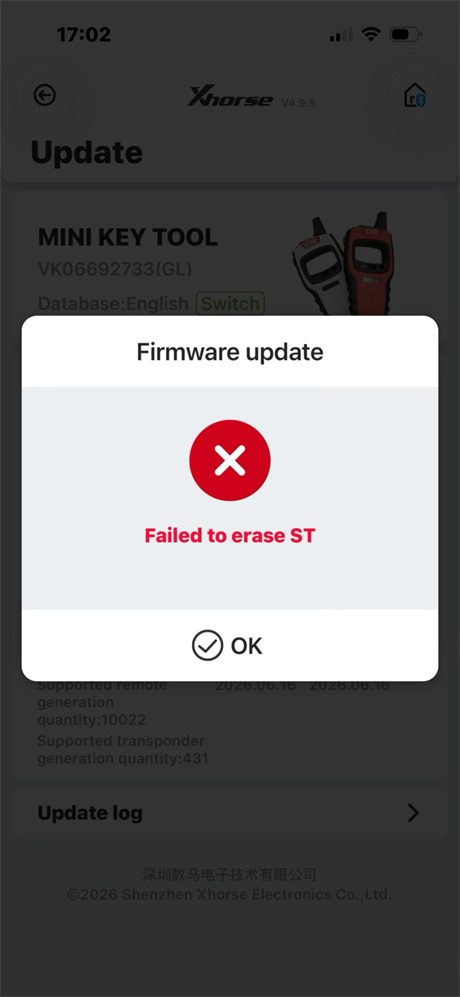
I cannot update firmware on my Xhorse VVDI Mini Key Tool, and the device appeared “Failed to erase ST” error.
Solution:
To fix the firmware update failure on your Mini Key Tool where it fails to erase the internal chip, you must perform a hard reset using the factory recovery mode.
Follow these steps:
1.Ensure the device is turned off.
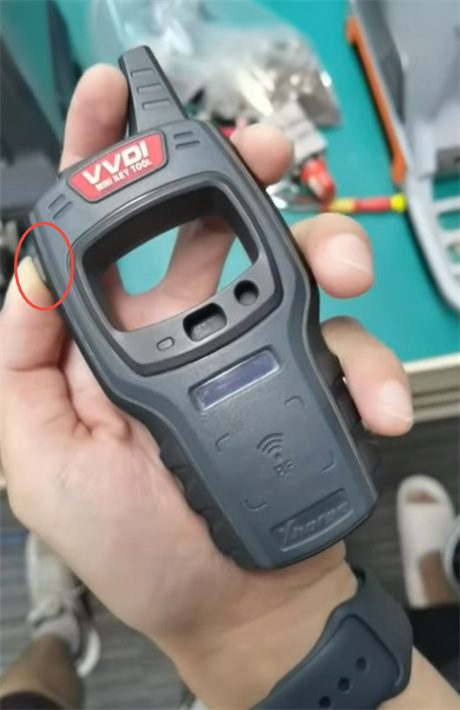
2.Locate the small reset hole on the back of the device case.
3.Insert a toothpick or paperclip into the hole and press the reset button.
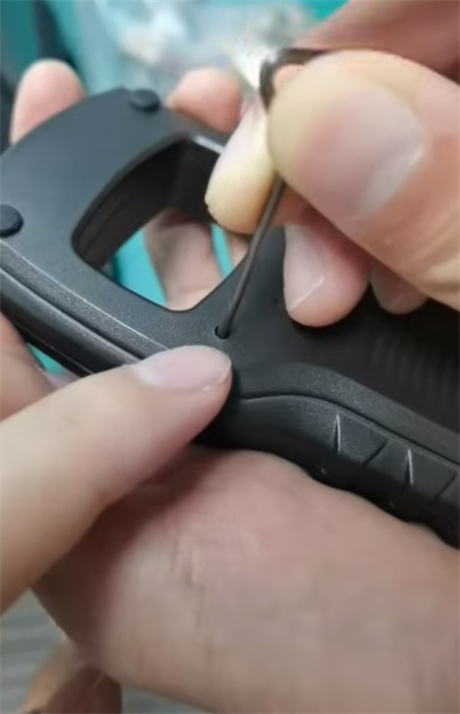
4.While holding the reset button down, press and hold the power button to turn the device on.
5.Release both buttons once the screen displays USB—PC (or bypasses any “SAFE1” error).
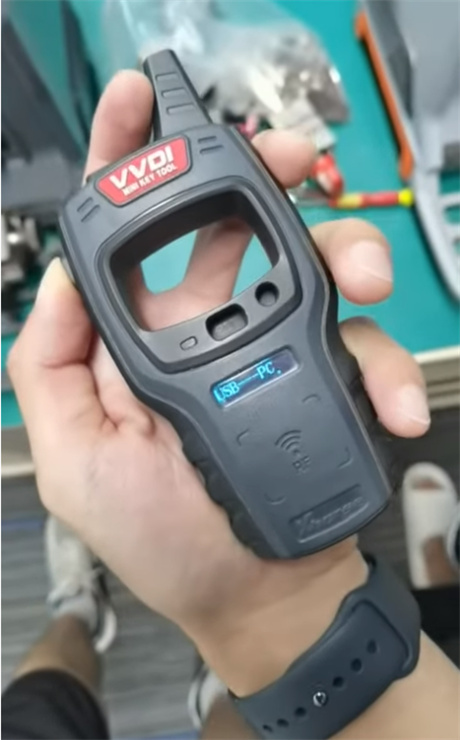
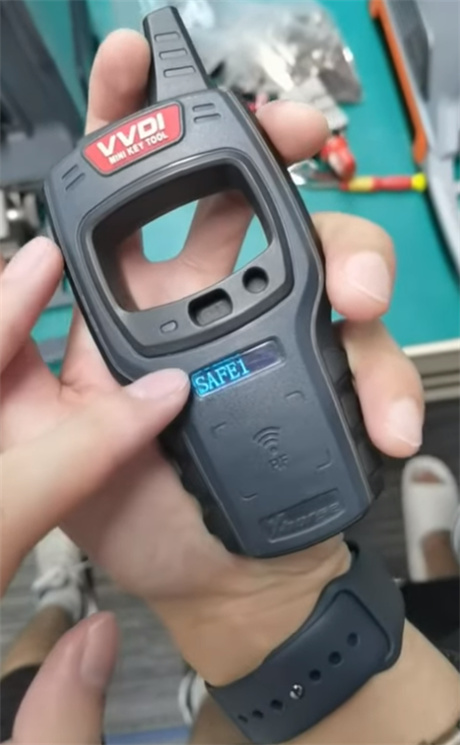
6.Connect the device to your PC and run the firmware update again using the official Xhorse Upgrade Kit.
Tech support:
Whatsapp/Wechat(Lucy): +86 15387077565
Email: sales@xhorseshop.co.uk
Skype: xhorseshop.co.uk
Leave a Reply