If you are trying to read immobilizer data on newer VAG vehicles using Xhorse Multi-Prog, you might run into a frustrating roadblock. An issue reported by one user involves a “Chip 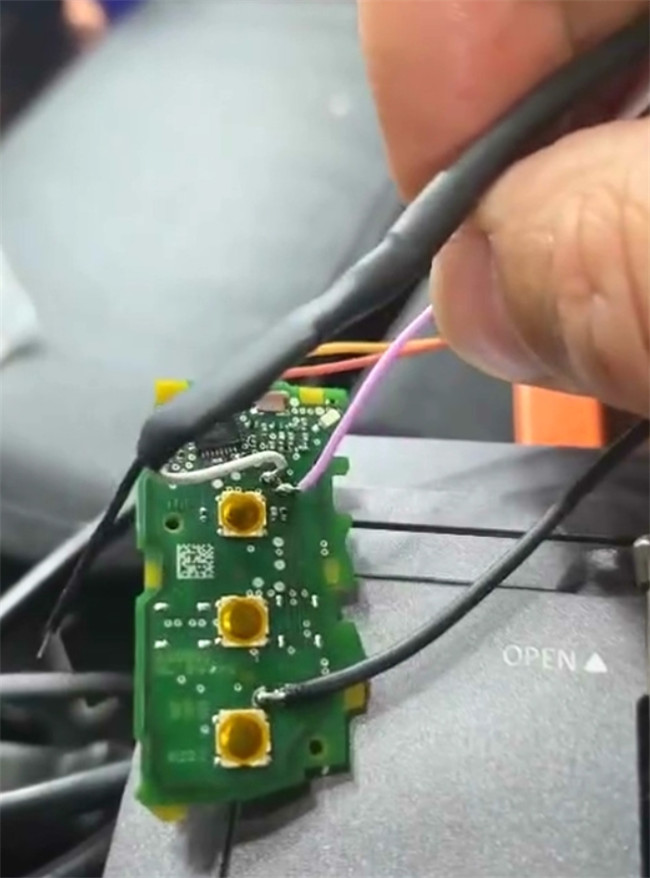
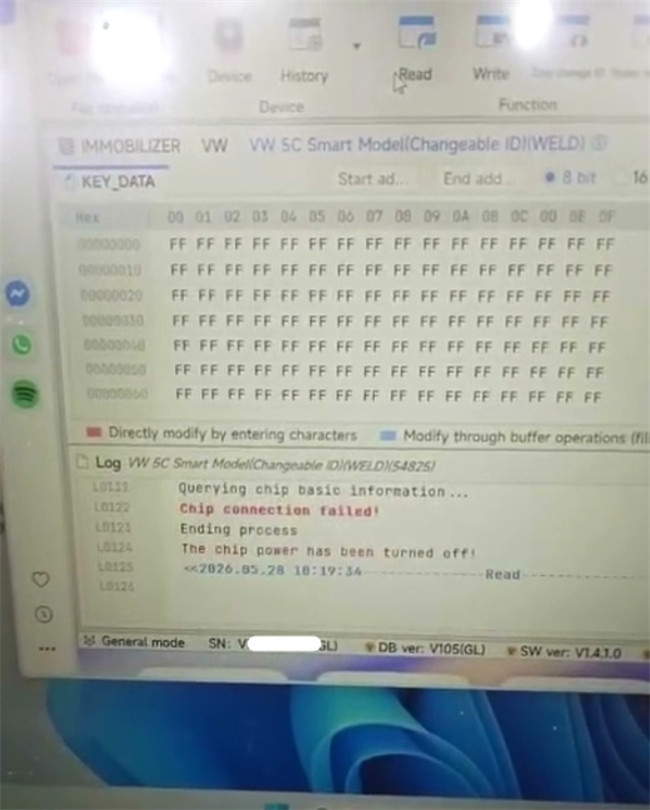
Fortunately, this isn’t a hardware fault—it’s just a connection requirement that is easily overlooked. Here is why this happens and how you can fix it.
Why the Chip Fails to Connect?
The most frequent reason for the connection failure is skipping a crucial hardware step: forgetting to modify the MCU cable.
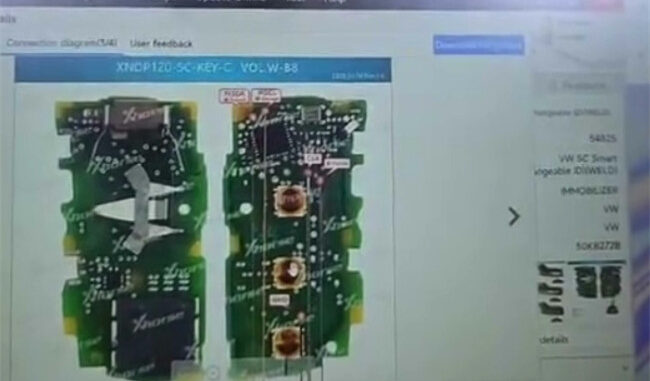
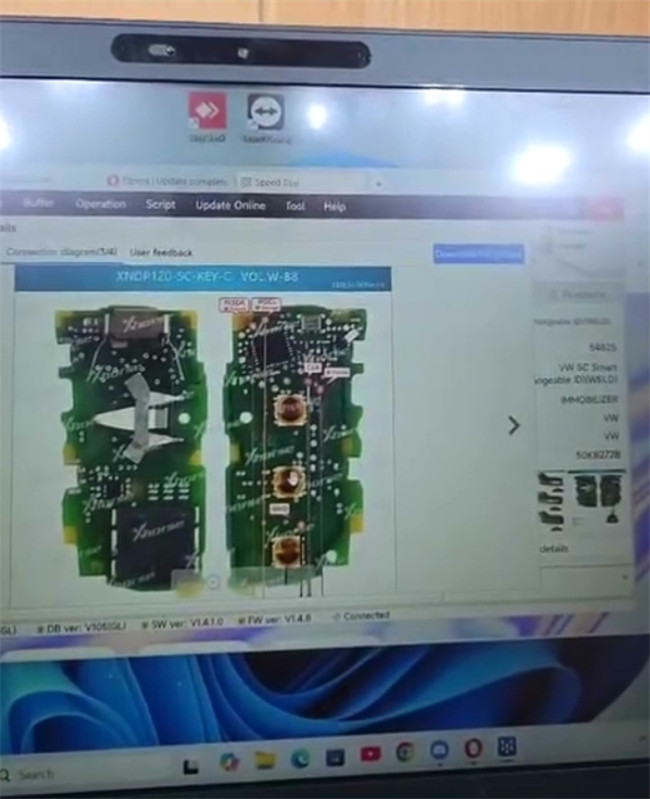
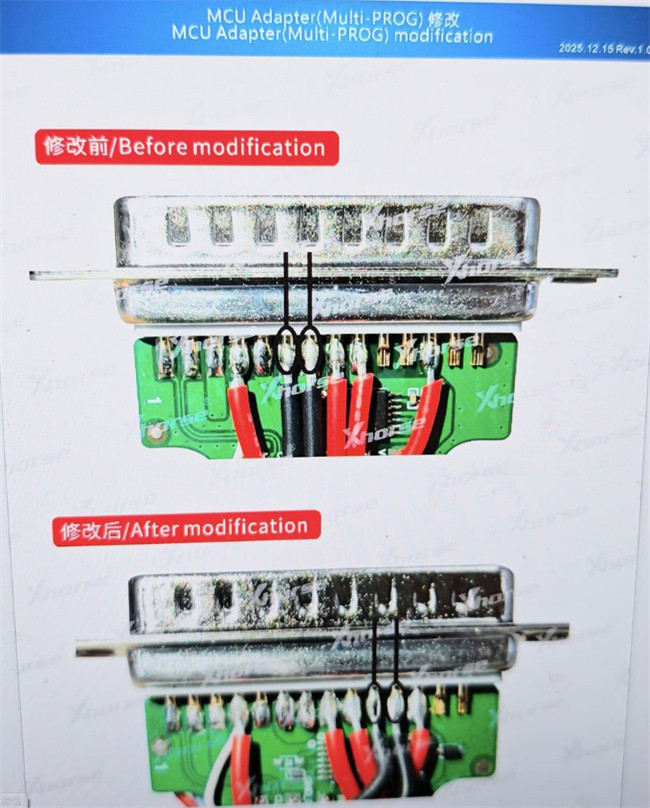
To successfully read original MQB49 5C and 5D key data using Multi-Prog, the standard MCU cable cannot be used straight out of the box. You must modify it according to the wiring diagram provided in Xhorse software. Specifically, you need to fix/secure the ground (GND) cable at the plug to ensure a stable and correct connection to the key’s circuitry.
3 Ways to Resolve the Error
Depending on the tools you have in your shop and whether you prefer soldering, here are the three best ways to get the job done:
Solution 1: Modify Multi-Prog MCU Cable (Standard Fix)
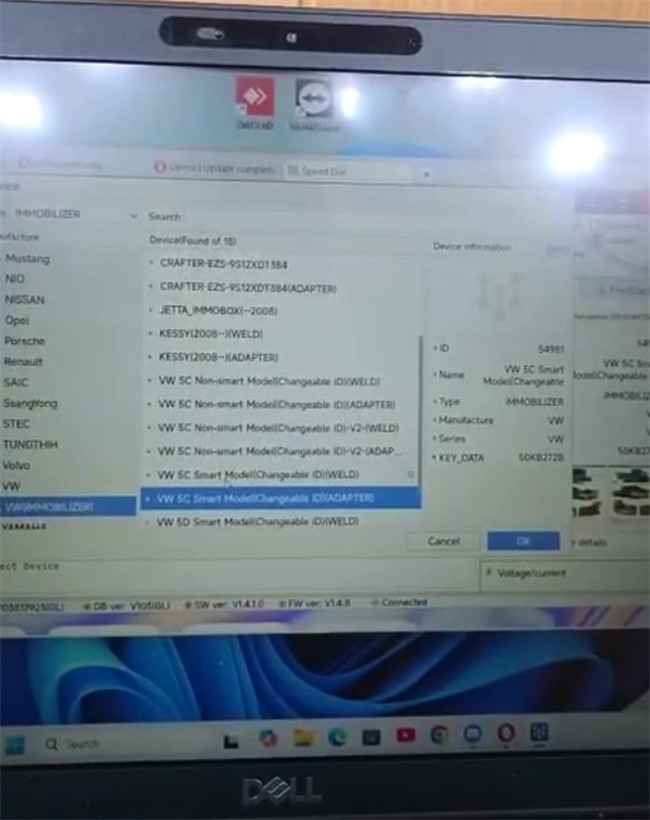
- Open Multi-Prog softwarediagram for the MQB49 5C/5D key.
- Locate the ground (GND) wire on your MCU cable plug.
- Modify and secure the ground cable as illustrated in the official diagram before attempting to read the chip again.
Solution 2: Use Xhorse 5C/5D Solder-Free Adapters (The Easiest Route)
- If you don’t want to mess around with modifying cables or soldering fine points, Xhorse makes dedicated 5C and 5D solder-free adapters.
- Simply pair Multi-Prog with these specialized adapters for a quick, plug-and-play reading process that eliminates connection errors entirely.
Solution 3: Switch to VVDI Key Tool Plus
- If you own Xhorse VVDI Key Tool Plus, you can bypass Multi-Prog altogether for this specific task.
- Key Tool Plus has native support for reading these newer MQB49 5C/5D key types seamlessly.
Tech support:
- Whatsapp/Wechat(Lucy): +86 15387077565
- Email: sales@xhorseshop.co.uk
- Skype: xhorseshop.co.uk
Leave a Reply