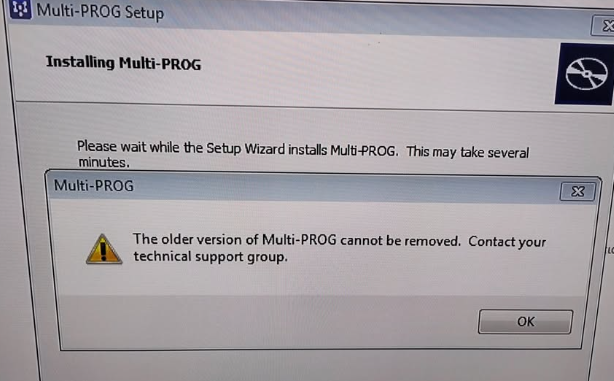
Problem:
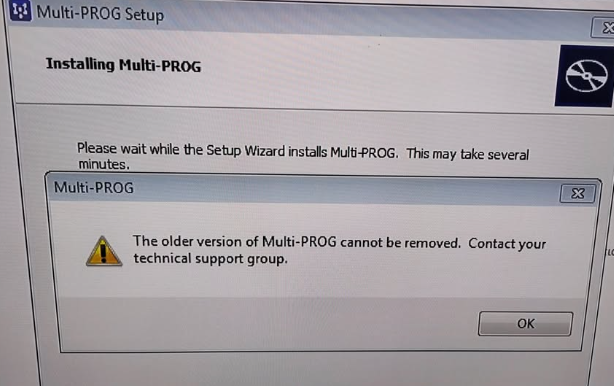
One customer reported that Xhorse Multi-Prog appeared the error message “The older version of Multi-Prog cannot be removed.” on his computer Windows 7 (32-bit).
Xhorseshop.co.uk engineer replied:
1.Try to uninstall the current software.
2.Shut down and restart your computer.
3.Download and install the latest version using the provided link.
If that doesn’t work, use the methods below:
1.Clean it manually:
Delete the program files and remove any related entries from the registry.
2.Use a tool:
Grab Revo Uninstaller. It’s great for scrubbing away stubborn leftover files so you can do a clean install.
Tech support:
Whatsapp/Wechat (Lucy): +86 15387077565
Email: sales@xhorseshop.co.uk
Skype: xhorseshop.co.uk
Leave a Reply